How Should a Woman Prepare Her Phone for Her First Solo Trip?

Quick Answer
Before your first solo trip, prepare your phone as a navigation tool, emergency lifeline, secure wallet, document backup, and communication device. Do the setup at home, while you have reliable Wi-Fi, and review official international communication guidance for your destination before departure.
Your first-trip phone checklist
- Secure the phone: Install updates, use a strong passcode, enable biometrics, and turn on device tracking.
- Prepare for emergencies: Add emergency contacts, medical details when appropriate, and learn your phone’s emergency shortcut.
- Plan connectivity: Decide between roaming, a local SIM, or an eSIM before you land.
- Download offline tools: Save maps, reservations, translation resources, addresses, and key travel information.
- Back up documents: Keep secure digital copies of important travel records without exposing sensitive files on your lock screen.
- Test everything: Put the phone into airplane mode and confirm you can still reach the information you would need without internet access.
Your phone can remove a surprising amount of uncertainty from a first solo trip, but only if you prepare it before you leave. I treat phone preparation as part of my safety planning, not something to finish while standing in an unfamiliar airport.
The goal isn’t to spend your entire trip staring at a screen. It’s to make sure maps, contacts, bookings, money, and backup information are ready when you suddenly need them.
In This Guide
- What should be on your phone before your first solo trip?
- How should you secure your phone before traveling alone?
- How should you set up your phone for an emergency?
- How do you prepare maps, data, and communication?
- What travel documents and payment backups should you save?
- How should you test your phone before departure?
- Frequently asked questions
What Should Be on Your Phone Before Your First Solo Trip?
Your phone should contain the information needed to navigate, communicate, reach help, prove reservations, and recover from common travel problems. The most useful setup works even when mobile data doesn’t.
Solo travel phone preparation means configuring your phone before departure so its safety, navigation, communication, security, and travel-information features remain useful during both normal travel and unexpected situations.
Start with a small group of essential travel apps
Don’t install twenty apps simply because a packing list recommends them. Too many unfamiliar apps create clutter when you’re tired, stressed, or rushing.
- Navigation: Keep one mapping app you already understand.
- Messaging: Have at least one internet-based messaging option that your trusted contacts also use.
- Transportation: Install the legitimate taxi, rideshare, rail, or transit apps used at your destination.
- Airline: Install your carrier’s app if it supports boarding passes and flight notifications.
- Accommodation: Save the booking platform or hotel app you used.
- Translation: Download a trusted translation app when you don’t speak the local language.
- Banking: Make sure you can securely access the card or bank account you’re traveling with.
Open every essential app before departure. Sign in, complete any verification requests, and check that your saved passwords or authentication method work.
Save addresses in a useful format
I like to save the first night’s accommodation three ways: in my map app, in a note, and as a screenshot. That gives me an alternative if one app won’t load.
Include the full street address instead of saving only the property name. A driver or station employee may need the address written clearly.
- First night’s accommodation
- Airport, railway station, or arrival terminal
- Next major transport point
- Nearest appropriate embassy or consulate when relevant
- A nearby hospital or medical facility if your circumstances make that useful
Your phone should reduce decision-making when you’re tired. A 10:30 p.m. airport arrival is not the ideal moment to search through confirmation emails for an address.
Section Takeaway: Prepare your phone around real travel problems, not the number of apps you can install. Essential information should be available in more than one place.
How Should You Secure Your Phone Before Traveling Alone?
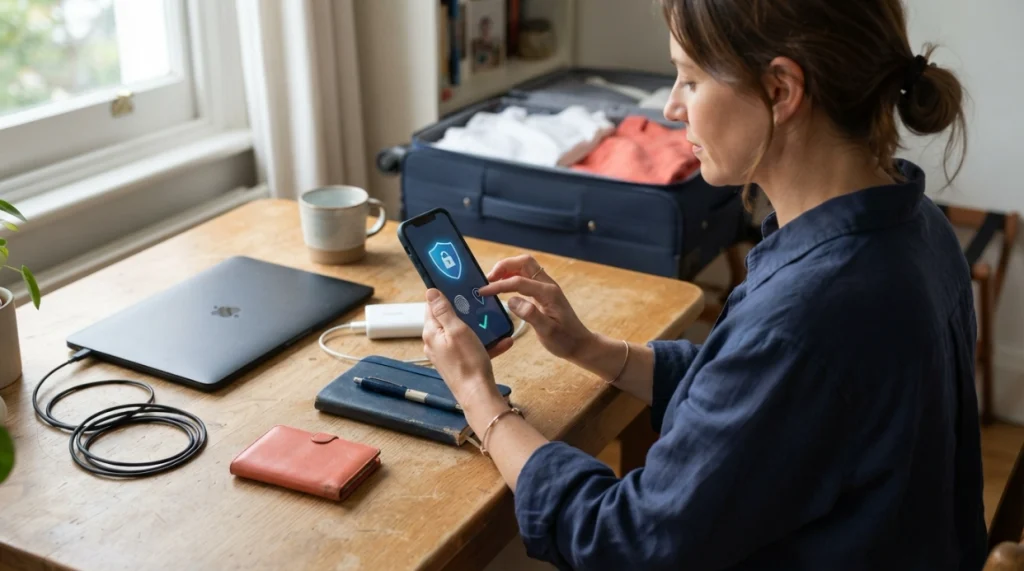
Start by assuming your phone could be misplaced or stolen. Good preparation should protect both the physical device and the accounts stored inside it.
Install updates before departure
Update your phone’s operating system and important apps several days before your flight. This gives you time to fix login or compatibility problems at home.
Restart the phone after major updates. Then check your maps, banking, airline, messaging, password manager, and authentication apps again.
Use a strong screen lock
A short, obvious passcode is weak protection for a device containing email, payment cards, photographs, reservations, and account recovery tools. Use a strong passcode and enable fingerprint or facial authentication when supported.
Also shorten your automatic screen-lock time. Your phone shouldn’t remain unlocked for several minutes after you put it into a bag or jacket pocket.
Turn on device-location and recovery features
Enable the built-in feature that helps locate, lock, or erase a missing phone. Confirm that you know the account password required to access that service from another device.
Write down the recovery steps somewhere other than the phone itself. A recovery system isn’t useful if every instruction and password clue disappears with the device.
Protect your accounts, not just the handset
- Email: Protect your primary email account with multi-factor authentication.
- Banking: Review how you would freeze a card without your phone.
- Cloud account: Confirm your Apple or Google account recovery information.
- Password manager: Make sure you understand its emergency or recovery process.
- Mobile carrier: Know how to contact your provider if your SIM or phone disappears.
Be careful with verification codes that depend entirely on your normal mobile number. Losing access to that number can make account recovery harder overseas.
Reduce what appears on your lock screen
Message previews can expose hotel confirmations, verification codes, banking alerts, and personal conversations. Consider limiting sensitive notification previews while traveling.
At the same time, emergency information may be intentionally accessible from a locked device. Review exactly what your phone displays and choose the balance you’re comfortable with.
Avoid storing sensitive documents carelessly
A passport copy can be useful, but putting an unprotected image in an obvious photo album creates another privacy risk. Use a protected storage method you understand.
Keep an additional backup somewhere independent of the phone. That could be secure cloud storage or another method appropriate for your circumstances.
Section Takeaway: Plan for both theft and account recovery. The safest setup protects your information while still giving you a realistic way to regain access.
How Should You Set Up Your Phone for an Emergency?
Configure emergency features before you travel and practice accessing them once. You don’t want your first attempt to happen during a stressful situation.
Add trusted emergency contacts
Choose one or two people who will notice if you contact them unexpectedly. Tell them where you’re traveling and what you want them to do if you request help.
A useful emergency contact should have more than your destination name. Give them your basic itinerary, accommodation information, and a copy of important booking details when appropriate.
Learn your phone’s emergency shortcut
iPhones include emergency calling features that can contact emergency services and alert designated contacts when configured appropriately. Review Apple’s current iPhone emergency calling instructions for your model and software version.
Supported Android phones also provide emergency features, although availability can depend on device, software, country, and permissions. Google’s Android emergency help guidance explains emergency contacts, location sharing, and safety features.
Don’t assume the feature behaves identically everywhere. Local emergency numbers and network support vary by destination.
Store the local emergency number
Learn the destination’s police, ambulance, and general emergency numbers before departure. Don’t assume every country uses the same number as your home country.
Save the number in your phone and in an offline note. If you’re crossing several countries, label each number with the country name.
Set up a check-in plan
Location sharing can be useful, but a simple communication routine is often just as important. Decide when a trusted person should expect to hear from you.
- After landing
- After reaching your accommodation
- Before a long transfer
- After a late-night activity
- When your itinerary changes significantly
A check-in plan should have a clear next step. For example, decide whether your contact should message again, call your hotel, or seek local assistance if you miss two agreed check-ins.
Register for official alerts when applicable
U.S. citizens traveling abroad can use the State Department’s Smart Traveler Enrollment Program to receive relevant embassy or consulate alerts.
If you’re not a U.S. citizen, check whether your own government offers traveler registration or destination alerts. Save the relevant consular contact details offline.
Understand what depends on internet access
| Phone function | What it usually needs | Useful backup |
|---|---|---|
| Internet messaging | Mobile data or Wi-Fi | Normal voice/SMS service when available |
| Live location sharing | Location permission plus a network connection | Send your destination and planned arrival time beforehand |
| Cloud documents | Internet unless saved offline | Protected offline copy or printed copy |
| Navigation | Internet for full live features | Downloaded map plus written address |
| App-based ride booking | Usually mobile data or Wi-Fi | Official taxi rank or prearranged transfer |
Pro tip: Emergency features, emergency numbers, satellite services, and consular assistance can differ by destination. Check official government guidance and your phone manufacturer’s current instructions shortly before departure.
Section Takeaway: Your emergency setup needs three layers: a phone shortcut you understand, trusted people who know your plan, and offline information for moments when the internet fails.
How Do You Prepare Maps, Data, and Communication?
Decide how your phone will connect before you board the plane. Landing without working data is manageable when you’ve planned for it and frustrating when you haven’t.
Choose your data option
- International roaming: Often the simplest option because you keep your normal SIM and number, but pricing varies by carrier.
- Local SIM: Can provide local service, although registration requirements differ by country and your phone may need to be unlocked.
- Travel eSIM: Convenient for compatible phones and can often be installed before departure.
- Wi-Fi only: Possible for some trips, but it creates more dependence on hotels, cafes, airports, and other networks.
Don’t wait until immigration or baggage claim to discover whether your handset supports an eSIM. Check compatibility, activation instructions, and your carrier lock status at home.
Download offline maps
Save the airport, your accommodation area, and the neighborhoods you expect to visit. Google provides instructions for downloading areas for offline navigation.
Offline map functionality has limits. For example, some routing modes and live information may not work without connectivity.
I would also take a screenshot of the route between my arrival point and accommodation. It isn’t elegant, but a static image can be useful when an app behaves unexpectedly.
Save information in the local language
If you’re visiting somewhere with a language or writing system you don’t read, save your accommodation address in the local language. This can help when speaking with a driver or asking for directions.
Do the same for a few critical phrases if communication may be difficult. Download any offline language resources your translation app supports.
Carry enough power
A prepared phone with a dead battery is still useless. Start travel days fully charged and carry an airline-compliant portable battery when appropriate.
Pack the correct charging cable and destination plug adapter. Keep the charging cable in your carry-on rather than checked luggage.
Section Takeaway: Connectivity should have a backup. Set up data before arrival, download key information offline, and keep enough battery power to use it.
What Travel Documents and Payment Backups Should You Save?
Save enough information to solve a travel problem without turning your phone into an unprotected folder of personal documents. Convenience and privacy need to work together.
Keep essential booking information offline
- Flight confirmation and booking reference
- Accommodation name, address, and phone number
- Rail or bus reservations
- Airport transfer information
- Travel insurance policy details
- Important ticket confirmations
Screenshots are useful for information that doesn’t change. For changing details such as a boarding gate, check the airline’s live information when you have connectivity.
Create a secure document backup
A secure copy of your passport information page, insurance details, and relevant visas can help when dealing with a lost document. It doesn’t replace the original passport.
Avoid placing sensitive identification where anyone opening your photo gallery can immediately see it. Use password-protected or encrypted storage you already understand.
Prepare your digital payments
Confirm that your banking and card apps work before departure. Know how you would contact the provider or freeze a card if your phone disappeared.
Don’t make your phone your only way to pay. Carry a separate physical payment method and an appropriate amount of backup cash for your destination.
Record important card information safely
Don’t store full card details in an unprotected note. Instead, keep the issuer’s contact information and the last four digits needed to identify the card.
This makes it easier to report a problem without creating an unnecessarily valuable file for someone who gains access to your device.
How Should You Test Your Phone Before Departure?
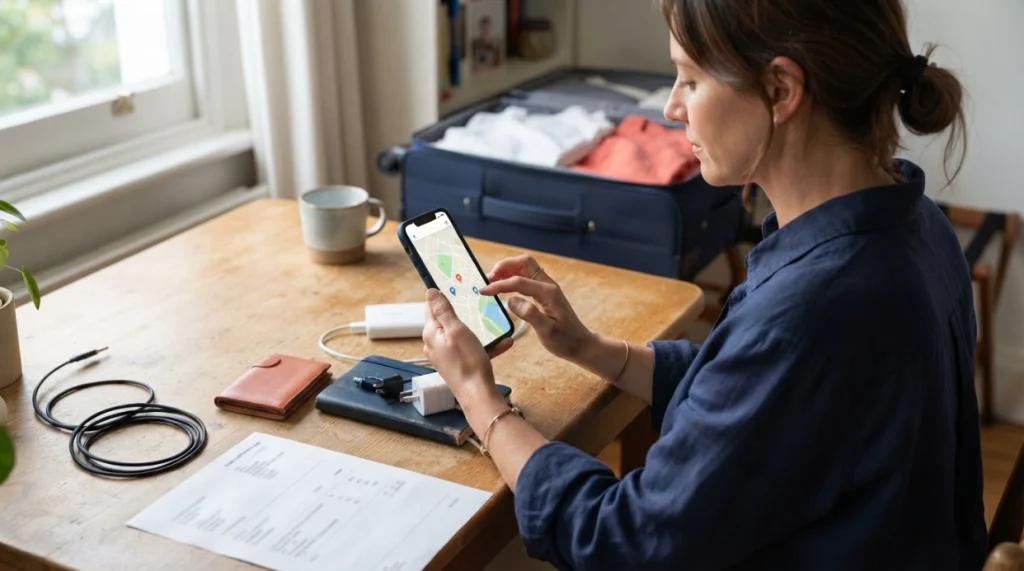
Do a short travel simulation one or two days before leaving. Ten minutes of testing at home can expose missing downloads, forgotten passwords, and apps that quietly require internet access.
Run the airplane-mode test
Turn on airplane mode and temporarily disable Wi-Fi. Then pretend you’ve just arrived at your destination with no working data.
Check whether you can access:
- Your accommodation address
- Your offline map
- Your first transport instructions
- Your flight and hotel confirmations
- Your emergency contacts
- Your insurance information
- Your essential document backups
If something disappears without internet access, decide whether it needs an offline copy. Not everything does, but arrival information and emergency details usually deserve redundancy.
Test account recovery
Ask yourself one uncomfortable question: what would I do if this phone vanished at the airport? Work through the answer before departure.
- Can you sign in to your primary email elsewhere?
- Do you know your cloud account credentials?
- Can you contact your bank without using its app?
- Can you disable or locate the missing device?
- Can your trusted contact access the itinerary you shared?
- Do you have another way to retrieve your accommodation address?
Clean up unnecessary distractions
Remove apps you don’t trust or no longer use. Check app permissions, especially location, microphone, camera, contacts, and photo access.
You can also reorganize your home screen so the apps needed during travel are easy to find. I prefer one travel folder instead of searching across several screens while carrying luggage.
Do one final battery and storage check
Leave enough free storage for photos, downloaded maps, tickets, and unexpected files. A phone sitting at nearly full capacity can become annoying quickly.
Charge it fully the night before departure. Then pack your cable, adapter, and power bank where you can reach them during the journey.
Section Takeaway: The best final test is simple: disconnect your phone from the internet and see whether you could still reach your accommodation, identify yourself, contact someone, and navigate the first part of your trip.
Frequently Asked Questions
Should a woman share her live location during a solo trip?
Live location sharing can be useful with a trusted person, especially during late arrivals or unfamiliar transfers. It shouldn’t replace a communication plan because location sharing may stop working when your phone loses power, data coverage, or required permissions.
Should I buy an eSIM before my first solo trip?
An eSIM can be convenient if your phone supports it and your destination has suitable coverage. Compare it with your carrier’s roaming option and local SIM requirements, then install or prepare it before departure whenever possible.
What should I download before traveling alone?
Prioritize offline maps, booking confirmations, your accommodation address, emergency information, important contacts, and useful language resources. The goal is to preserve essential information if mobile data fails.
Should I keep a photo of my passport on my phone?
A secure digital copy can be useful as backup information, but it doesn’t replace your physical passport. Store sensitive copies in protected storage rather than leaving them openly visible in your normal photo gallery.
What happens if my phone is stolen while I’m traveling solo?
Use your device-recovery service to locate or lock it when appropriate, contact your mobile provider, secure important accounts, and contact relevant financial institutions. Report theft to local authorities when needed and avoid personally confronting someone who may have the device.
Can offline maps completely replace mobile data?
No. Downloaded maps can provide useful navigation, but live traffic, updated transit information, ride booking, messaging, and some routing functions still need connectivity. Treat offline maps as a backup rather than a complete replacement for data.
When should I prepare my phone for a solo trip?
Do the main setup several days before departure so updates and account verification don’t create last-minute problems. Run the final offline and battery checks one or two days before leaving.
Your phone should make your first solo trip calmer, not make you dependent on perfect signal.
Prepare the security settings, emergency contacts, connectivity, offline information, documents, and recovery plan at home. Then put the phone away when you don’t need it and enjoy the freedom you prepared for.