
How to Find GPS Tracker with Phone Easily and Effectively
Finding a GPS tracker with your phone is easier than you might think. This guide walks you through simple, effective steps to locate hidden GPS devices using just your smartphone, practical tips, and troubleshooting tricks to ensure you stay in control of your privacy.
Key Takeaways
- Understanding GPS Trackers: Learn what GPS trackers are and how they work.
- Using Phone Features: Utilize your phone’s Bluetooth, GPS, and signal strength tools to detect trackers.
- Apps for Detection: Discover reliable apps that help identify hidden GPS devices.
- Physical Inspection: Combine digital detection with a thorough physical search.
- Troubleshooting: Get tips on what to do if you can’t find the tracker immediately.
- Privacy Awareness: Understand legal and ethical considerations when searching for trackers.
How to Find GPS Tracker with Phone Easily and Effectively
If you suspect that someone has placed a GPS tracker on your vehicle, belongings, or even on your person, it’s important to know how to find it quickly. Thankfully, your smartphone can be a powerful tool in detecting these devices. In this guide, you will learn several easy and effective methods to locate a GPS tracker using your phone, practical tips to enhance your search, and what to do if your first attempts don’t succeed.
Step 1: Understand How GPS Trackers Work
Before diving into finding a GPS tracker, it helps to understand what you’re looking for. A GPS tracker is a small device that uses the Global Positioning System to track the location of whatever it’s attached to. It typically transmits this location data via cellular networks or Bluetooth.
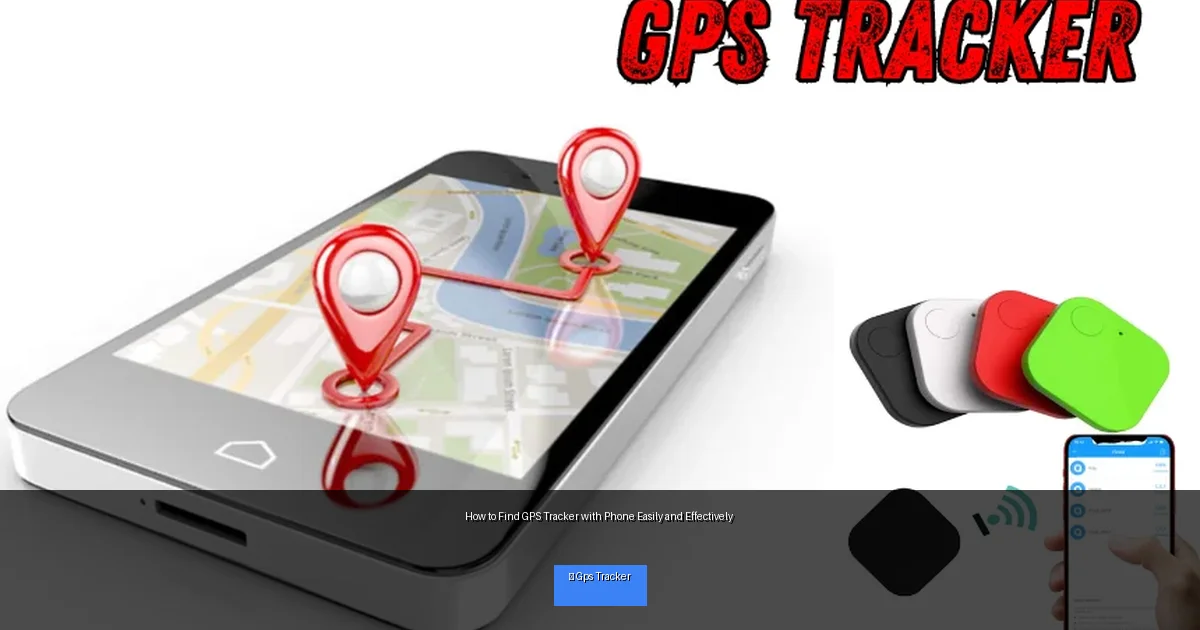
Visual guide about How to Find GPS Tracker with Phone Easily and Effectively
Image source: tamildhesam.com
- GPS trackers often have a battery or are connected to a power source.
- They emit signals either through Bluetooth or cellular frequencies.
- Some trackers are passive and store location data without transmitting it immediately.
Knowing this helps you choose the right detection method.
Step 2: Use Your Phone’s Bluetooth to Scan for Nearby Devices
Many GPS trackers use Bluetooth to communicate. Your phone’s Bluetooth scanner can help you detect these nearby devices.
How to Scan for Bluetooth Devices
- Turn on Bluetooth on your smartphone.
- Go to your Bluetooth settings and look for a list of nearby devices.
- Look for unfamiliar or suspicious device names.
- Use apps like “LightBlue” (iOS/Android) or “Bluetooth Scanner” to get detailed info.
Tip: Some trackers may use generic names or no name, so look for devices that appear suddenly or repeatedly in the same location.
Step 3: Check Cellular Signal Strength and Use Network Scanners
GPS trackers that transmit data usually connect via cellular networks. Your phone can help detect unusual cellular signals.
Using Signal Strength Tools
- Download apps like “Network Cell Info Lite” (Android) or “OpenSignal” (iOS/Android).
- Walk around the suspected area with the app open to detect spikes in signal strength.
- Look for unusual or strong signals where you wouldn’t expect them.
Using RF Detector Apps
While phones don’t have built-in radio frequency (RF) detectors, some apps try to use your phone’s hardware to identify signals like those from trackers. Apps such as “RF Detector” or “Spy Hidden Camera Detector” can sometimes help identify suspicious signals.
Note: These apps are not always 100% reliable but can be a helpful first step.
Step 4: Use Specialized Tracker Detection Apps
There are apps designed specifically to find trackers and hidden devices. Here are some popular options:
- Find My Device (Android) / Find My (iOS): Useful for detecting Apple AirTags or similar Bluetooth trackers.
- Bluetooth Finder Apps: Apps like “Bluetooth Smart Scanner” help locate Bluetooth trackers.
- Hidden Device Detector Apps: Apps such as “Hidden Device Detector” scan for unknown devices using Bluetooth and Wi-Fi.
These apps often provide a map or signal strength meter to help you narrow down the tracker’s location.
Step 5: Conduct a Physical Inspection of Your Vehicle or Belongings
While your phone helps detect signals, a thorough physical search is essential.
Where to Look
- Underneath and inside your vehicle (wheel wells, under seats, inside bumpers, engine compartments).
- Inside personal items like bags, jackets, or luggage.
- On or inside electronic devices you carry regularly.
- In any new or unfamiliar objects around your personal space.
Tips for Inspection
- Use a flashlight to check dark or hidden spaces.
- Listen for unusual sounds like beeping or buzzing.
- Look for wires or devices attached with tape or magnets.
Step 6: Use Your Phone’s GPS and Mapping to Cross-Check Suspicious Areas
If you notice unusual movement patterns or suspicious activity, use your phone’s GPS to track and map these locations. This can help you identify if a tracker is transmitting location data and where it might be located.
Troubleshooting: What If You Can’t Find the Tracker?
- Restart Your Phone: Sometimes apps or signal detection tools need a restart to work properly.
- Try Different Apps: No single app detects all trackers, so try multiple tools.
- Check Battery Levels: Some trackers turn off to avoid detection when batteries are low.
- Seek Professional Help: If you strongly suspect tracking but cannot locate a device, consider consulting a professional security service.
Legal and Privacy Considerations
Before searching for GPS trackers, be aware of legal restrictions. Tracking someone without consent may be illegal in many jurisdictions. Ensure you are looking for devices placed on your property or belongings, and respect privacy laws.
Conclusion
Finding a GPS tracker with your phone is a practical and effective way to protect your privacy. By understanding how trackers work, using your phone’s Bluetooth and signal tools, leveraging specialized apps, and performing a careful physical inspection, you can locate hidden GPS devices quickly. Always stay vigilant and act within legal boundaries to keep yourself safe.
