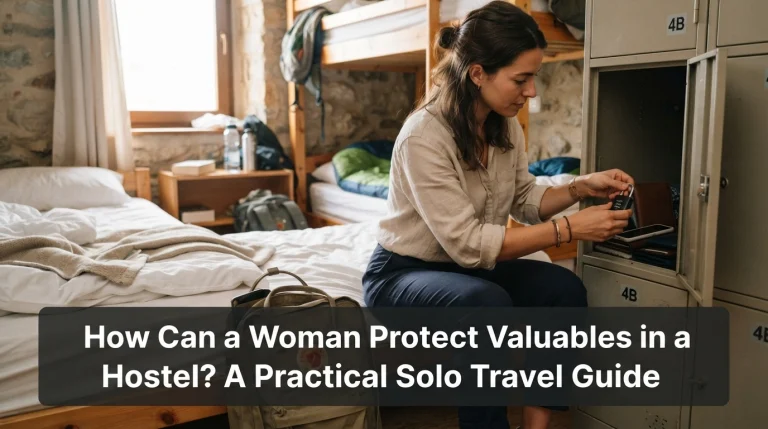
How Can a Solo Female Traveler Protect Online Accounts Before Traveling?

Quick Answer
A solo female traveler can protect online accounts before traveling by securing her main email, using unique passwords, enabling strong multifactor authentication, updating recovery methods, and preparing for a lost phone. I also recommend reviewing the FTC’s two-factor authentication guidance before departure, especially for email, banking, payment, and travel-booking accounts.
Six steps to complete before your trip
- Protect email first: Your email may control password resets for many other accounts.
- Use unique passwords: Store long, different passwords in a reputable password manager.
- Turn on stronger sign-ins: Use passkeys, security keys, or an authenticator app when supported.
- Prepare account recovery: Update recovery details and save backup codes securely.
- Secure your phone: Install updates, use a strong screen lock, and activate lost-device features.
- Create a backup plan: Make sure losing your phone won’t also remove every way to access essential accounts.
The rule I use
- Avoid a single point of failure: Your phone shouldn’t be the only place holding your passwords, authentication method, recovery codes, bookings, and emergency information.
Learning how to protect online accounts before traveling is now part of my solo female travel safety routine. My phone may hold my boarding pass, hotel confirmation, payment apps, maps, messages, and the account recovery tools needed to access all of them.
That convenience creates a weakness if one device disappears. I prepare my digital accounts the same way I prepare my passport, money, transportation, and accommodation.
In This Guide
- Which online accounts should I secure before traveling?
- How should I protect passwords and sign-ins before a trip?
- How do I secure my phone, SIM, and travel documents?
- How can I avoid phishing and unsafe logins while traveling?
- What should I do if my phone is lost or an account is hacked abroad?
- Frequently asked questions
Which Online Accounts Should I Secure Before Traveling?
Start with accounts connected to your identity, money, communication, and travel plans. Your main email account deserves the highest priority because it often controls password resets elsewhere.
I don’t try to secure every app with the same urgency. I rank accounts by what would happen if I suddenly lost access while alone in another country.
Protect your most important accounts first
- Primary email: Often receives password resets, security alerts, booking confirmations, and financial messages.
- Password manager: May contain credentials for dozens of services.
- Apple or Google account: Can control device backups, app access, location tools, passkeys, and synced information.
- Banking and payment accounts: Needed for cards, transfers, mobile payments, and fraud monitoring.
- Airline and transport accounts: May contain tickets, boarding passes, schedule changes, and loyalty details.
- Accommodation accounts: Hold reservation addresses, check-in instructions, payment records, and host communications.
- Messaging accounts: Keep you connected with family, friends, hosts, and emergency contacts.
Think about your first night in a new city. If you couldn’t open your email, hotel app, maps, or payment account, which problem would be hardest to solve?
Those are the accounts I secure first. The goal is continuity, not perfection.
Review signed-in devices before departure
Open the security page for each critical account and review recent sessions. Old tablets, public computers, previous phones, and forgotten browsers may still be authorized.
- Sign out of devices you no longer use.
- Investigate unfamiliar sign-in locations.
- Remove old third-party app permissions.
- Check that your recovery email belongs to you.
- Confirm your recovery phone number is current.
- Review email forwarding rules when your provider offers them.
If you see suspicious activity, secure the account before traveling. Don’t assume an unfamiliar login is harmless simply because no money has disappeared.
Separate travel convenience from account control
One mistake is keeping every important item on the same phone. The phone stores the password manager, receives authentication messages, holds recovery codes, contains passport scans, and displays every reservation.
That creates a single point of failure. I prefer a layered setup where losing one device is inconvenient but doesn’t lock me out of everything.
- Keep secure recovery codes somewhere separate from your everyday phone.
- Make key booking information accessible through another safe method.
- Keep emergency contact details available offline.
- Know how to reach your bank and mobile carrier without using saved contacts.
Section Takeaway: Secure email, identity, money, bookings, and communication first. Then make sure those services can still be recovered without your main phone.
How Should I Protect Passwords and Sign-Ins Before a Trip?
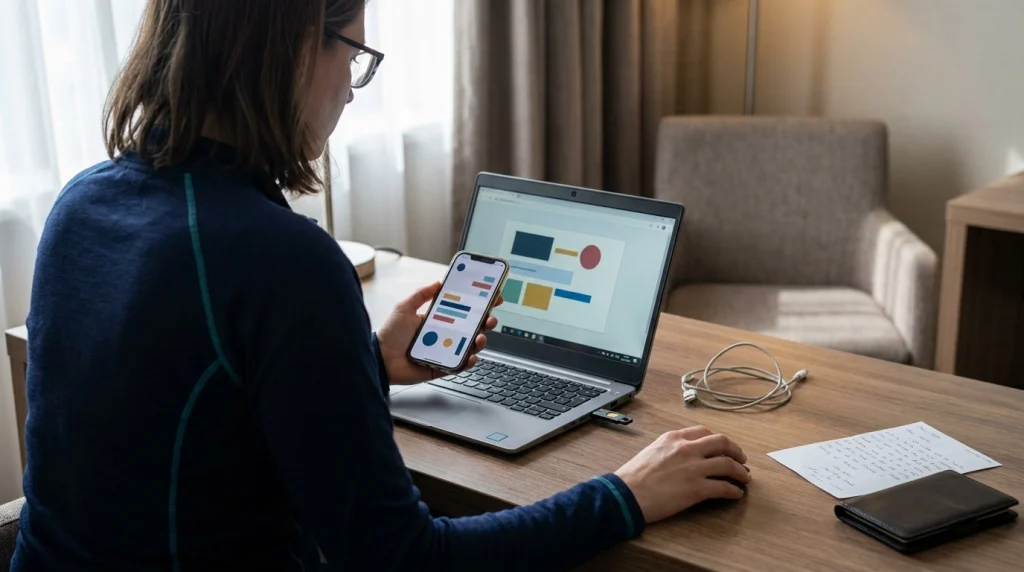
Use unique passwords, stronger authentication, and at least one tested recovery method. These protections matter more during travel because unfamiliar locations and new devices can trigger extra security checks.
Use unique passwords for important accounts
Password reuse turns one leaked password into a problem across several services. If the same password protects your email, social media, and booking account, one compromise can spread quickly.
A password manager makes unique credentials much easier to maintain. I only need to protect the vault carefully instead of memorizing dozens of complicated passwords.
- Use a long, unique master passphrase.
- Enable strong authentication on the password manager.
- Replace repeated passwords on critical accounts first.
- Never keep a plain-text password list in your phone gallery.
- Avoid sending passwords to yourself through email or chat.
Which authentication method is best for travel?
The strongest practical option depends on the service. When available, phishing-resistant methods such as passkeys or hardware security keys can provide strong protection.
Authenticator apps are also useful because common time-based codes usually don’t depend on cellular service. SMS remains useful when it’s the only option, but your phone number can become another target.
| Sign-in method | Needs cellular service? | Travel advantage | Main limitation |
|---|---|---|---|
| Password only | No | Simple to use | Weakest option if the password is stolen |
| SMS code | Usually yes | Widely supported | Depends on your phone number and can be affected by SIM-related attacks |
| Authenticator app | Usually no for time-based codes | Useful without roaming service | Needs a recovery plan if the phone is lost |
| Passkey | No SMS required | Strong phishing resistance on supported services | Availability and recovery method vary by provider |
| Hardware security key | No | Strong phishing-resistant sign-in | You need compatible accounts and a safe backup strategy |
Set up recovery methods before leaving home
Account recovery becomes more important when you sign in from unfamiliar locations. Google specifically advises frequent travelers to update recovery information and prepare ways to prove account ownership before departure.
You can review its travel account access guidance while you’re still using your normal devices and home network.
- Check your recovery email address.
- Check your recovery phone number.
- Add another supported authentication method.
- Generate backup codes if offered.
- Store codes somewhere protected and separate from your phone.
- Test the backup method before departure.
Don’t make important recovery changes at the airport unless necessary. Some providers apply extra safeguards to new recovery information.
Google, for example, notes that changed recovery information may take up to seven days to become fully effective. That is a good reason to finish your security setup well before departure.
Section Takeaway: Strong passwords reduce credential reuse, but authentication and recovery determine whether one stolen password or lost phone becomes a larger problem.
How Do I Secure My Phone, SIM, and Travel Documents?
Your phone is often the control center of a solo trip. Secure it as carefully as your passport because it may provide access to banking, email, reservations, authentication codes, and personal documents.
Prepare your phone for theft or loss
I run through my device settings several days before departure. I don’t want to discover after losing a phone that a tracking or backup feature was never enabled.
- Install updates: Update the operating system, browser, and critical apps.
- Use a strong screen lock: Avoid birthdays and obvious number patterns.
- Use biometrics where appropriate: Fingerprint or facial unlocking can add convenience alongside a strong passcode.
- Hide sensitive notifications: Prevent authentication codes and private messages from appearing openly on the lock screen.
- Enable device-finding tools: Check that your phone can be located or secured remotely.
- Confirm backups: Make sure important data has completed a recent backup.
Android users can prepare Google’s Find Hub before traveling. Google explains that it can help locate, secure, or erase a supported lost device when the required settings are enabled.
The official lost Android device guidance is worth checking before you need it. A lost-device service is far more useful when you understand it in advance.
Protect your mobile number from SIM-related attacks
A SIM swap happens when a criminal takes control of your phone number through a fraudulent transfer. This matters because text messages are still used to recover or verify many accounts.
The FTC’s SIM swap guidance recommends protecting your cellular account with a PIN or password and considering stronger authentication for sensitive accounts.
- Add a carrier account PIN when available.
- Enable number-transfer or port-out protection if your carrier offers it.
- Check whether your normal number can receive texts overseas.
- Understand what happens to your primary SIM when using a travel eSIM.
- Save your carrier’s official support information separately.
A travel eSIM is useful for data, but it doesn’t automatically solve account recovery. Your home number may still be needed for banking alerts or verification codes.
Store travel documents without creating another risk
I like having backup copies of important documents, but I don’t keep every sensitive file loose in my photo gallery. Convenience matters, yet unrestricted access can expose too much information.
- Keep offline basics: Save accommodation addresses, booking numbers, insurance contacts, and emergency details.
- Protect identity documents: Keep passport or visa copies in access-controlled storage.
- Separate recovery codes: Don’t store them beside screenshots showing account passwords.
- Limit shared documents: Give a trusted contact only what they may genuinely need.
Pro tip: Check official destination advisories and your mobile provider’s roaming information before you leave. Connectivity, SIM rules, and local restrictions can affect your account recovery plan.
Section Takeaway: Your phone, SIM, and account recovery system are connected. Protect all three instead of focusing only on the physical device.
How Can I Avoid Phishing and Unsafe Logins While Traveling?
Slow down when a message creates urgency, verify requests through a trusted channel, and avoid entering account details on unfamiliar pages. Travel scammers often succeed because people are tired, distracted, and worried about losing reservations.
Watch for fake booking and payment messages
Phishing is an attempt to trick you into revealing credentials, payment information, or other sensitive data. A travel-themed phishing message may pretend to come from an airline, hotel, booking platform, bank, or delivery service.
Imagine landing after a long flight and seeing a message saying your hotel will cancel tonight unless you verify your card within ten minutes. That timing can make an otherwise suspicious request feel believable.
I don’t use the link in a message like that. I open the booking platform directly or contact the property through details I already trust.
- Be suspicious of unexpected urgent payment requests.
- Never share one-time authentication codes with an unsolicited caller or sender.
- Check the actual website address before entering credentials.
- Don’t install unfamiliar software to “verify” a booking.
- Use the official app instead of links in unexpected messages.
- Contact the company independently when something feels wrong.
Don’t trust a website only because it shows HTTPS
HTTPS means the connection between your browser and the website is encrypted. It doesn’t prove the company running that website is honest.
A scammer can operate an encrypted website too. Verify the domain itself before signing in or entering card details.
Is public Wi-Fi safe for online accounts?
Public Wi-Fi is safer than it was years ago because encrypted websites are now common. Still, you should use current software, encrypted services, and common sense on airport, café, train, and hotel networks.
The FTC’s current public Wi-Fi advice emphasizes account protection, software updates, encrypted websites, and scam awareness.
- Confirm the network name with the hotel, café, or airport when possible.
- Avoid lookalike networks with suspicious names.
- Check for HTTPS before entering sensitive information in a browser.
- Keep automatic software updates enabled.
- Disable automatic connection to unknown Wi-Fi networks.
- Avoid using shared public computers for banking or email.
- Prefer your own cellular connection for sensitive tasks when practical.
A VPN can be useful in some circumstances, but it isn’t a magic safety button. It doesn’t make a fake login page legitimate or protect you after voluntarily giving a scammer your password.
Be careful with real-time travel posts
Account security also includes privacy. I avoid publicly announcing my exact hotel room, live transportation route, or current location while I’m still there.
- Delay public posts showing your exact location.
- Review who can see stories and profile information.
- Remove unnecessary location permissions from apps.
- Share live location privately with a trusted contact when useful.
- Never post a readable boarding pass or booking document.
Boarding passes and confirmations can contain names, booking references, and other information you may not want circulating publicly. Crop or hide sensitive details before sharing travel content.
Section Takeaway: Most travel account attacks don’t require advanced hacking. A convincing message, rushed traveler, and believable login page can be enough.
What Should I Do if My Phone Is Lost or an Account Is Hacked Abroad?
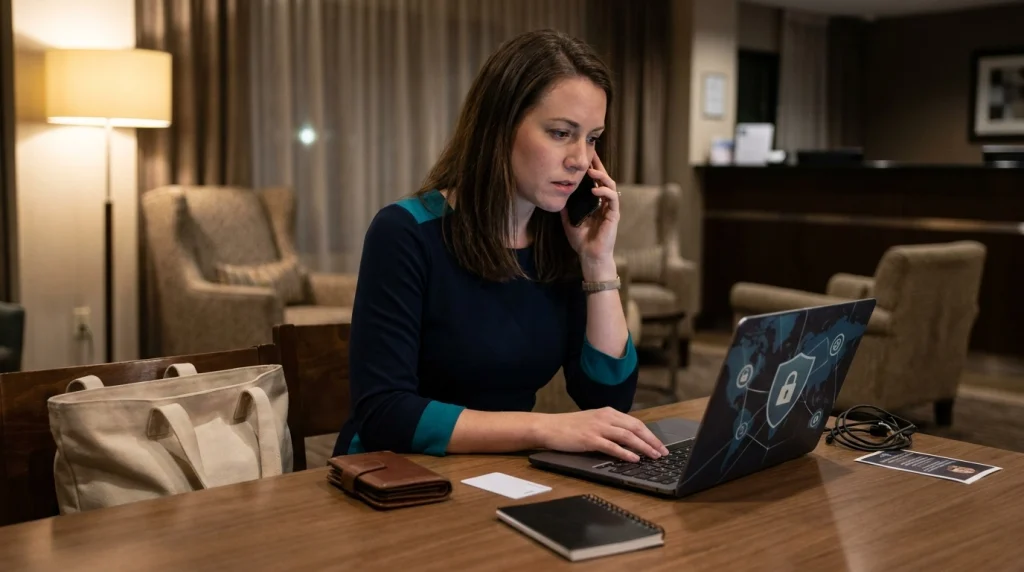
Act in a clear order: secure the device, protect your phone number, regain control of critical accounts, and check financial activity. A written recovery plan makes those decisions easier when you’re stressed.
If your phone disappears
I treat a missing phone differently from a misplaced phone after a few minutes of searching. Once theft seems possible, protecting accounts becomes more important than repeatedly retracing my route.
- Use your device-finding service: Locate or mark the device as lost when appropriate.
- Contact your mobile carrier: Ask it to protect or suspend the SIM if theft is likely.
- Secure your primary email: Review sessions and change credentials if exposure is possible.
- Protect banking accounts: Freeze cards or contact your bank when payment access may be compromised.
- Review important sessions: Sign out of devices where the service allows it.
- Use recovery codes: Access accounts through the backup methods prepared before departure.
- Document the incident: Keep relevant case, police, carrier, or insurance details if needed.
Don’t erase a device immediately without understanding the consequences. Depending on the platform, erasing it may affect your ability to continue locating it.
If you receive a suspicious login alert
Open the relevant service directly rather than clicking the alert message. Check the device, approximate location, time, and activity shown in the account’s security settings.
- Deny an unfamiliar sign-in request.
- Change a compromised password from a trusted device.
- Sign out other sessions if necessary.
- Check recovery email and phone settings.
- Review connected applications.
- Look for financial or booking changes.
Pay special attention to your primary email. If an attacker controls it, they may use password-reset tools to move into other accounts.
If your phone number suddenly stops working
Unexpected loss of mobile service can have innocent causes, especially abroad. It can also be a warning sign of an unauthorized SIM or number transfer.
If your carrier confirms a fraudulent transfer, regain control of the number and then secure accounts that use SMS verification. Review financial accounts for unauthorized transactions.
My seven-day pre-travel account security checklist
I prefer to complete the important changes about a week before departure. That gives me time to notice broken recovery methods while I’m still at home.
- Seven days before: Review email, banking, password manager, Apple or Google, and booking-account security.
- Six days before: Replace reused passwords and enable stronger authentication.
- Five days before: Update recovery email addresses and phone numbers.
- Four days before: Generate and securely store supported backup codes.
- Three days before: Update your phone, browser, banking apps, and travel apps.
- Two days before: Test lost-device tools, backups, and offline travel information.
- One day before: Charge devices, check roaming or eSIM settings, and make sure emergency contacts are available offline.
I also run one final thought experiment: “My phone was just stolen. What can I still access?” If the answer is “almost nothing,” I improve the backup plan before leaving.
Section Takeaway: Recovery should be designed before the emergency. Losing a phone is far less disruptive when your authentication, bookings, contacts, and money don’t depend on that device alone.
Frequently Asked Questions About Protecting Online Accounts While Traveling
Should I change all my passwords before traveling?
No. Focus first on reused, weak, exposed, or compromised passwords, especially for email, banking, password managers, and travel accounts. Unique passwords plus strong authentication provide more value than changing secure passwords simply because a trip is approaching.
Is SMS authentication safe enough for international travel?
SMS authentication is better than using only a password, but it has limitations. Your number may face roaming issues or SIM-related attacks, so use an authenticator app, security key, or passkey when a service supports a stronger option.
Should I use an authenticator app when traveling abroad?
An authenticator app can work well for travel because common time-based codes don’t require an SMS connection. Make sure you understand how the app is backed up or transferred, and prepare another recovery method in case your phone disappears.
Should I use a VPN on hotel or airport Wi-Fi?
A reputable VPN may add privacy in some situations, but it doesn’t replace HTTPS, software updates, strong account authentication, or phishing awareness. A VPN cannot make a fraudulent website trustworthy, so always verify where you’re entering credentials.
Where should I keep account recovery codes while traveling?
Keep recovery codes somewhere protected that isn’t dependent on the same phone used for authentication. Avoid an unprotected screenshot gallery or plain-text note. The goal is to retain emergency access without making the codes easy for someone else to find.
What account should I protect first before a solo trip?
Start with your primary email because it often controls password resets and receives security alerts. Next protect your password manager, Apple or Google account, banking services, payment apps, and the accounts holding transportation and accommodation reservations.
What is the biggest digital security mistake solo travelers make?
One of the biggest mistakes is creating a single point of failure. If one phone holds your passwords, authentication app, recovery codes, booking details, payment access, and emergency contacts, losing that phone can turn one problem into several.
My final takeaway: Digital safety doesn’t need to make solo travel stressful. Spend an hour securing your critical accounts before departure, build a recovery method that works without your main phone, and you’ll be better prepared to handle a lost device or suspicious login without derailing your trip.
Before your next solo journey, add account security to the same pre-trip checklist as your passport, accommodation, insurance, and transportation. It’s a small preparation step that can protect some of the most important tools you’ll rely on while traveling alone.