
How Much Data Does a GPS Tracker Use Explained Simply
In this guide, you’ll learn how much data a GPS tracker uses daily and monthly, what factors impact this usage, and how to optimize your device to save data. Understanding GPS data consumption helps you choose the right plan and avoid unexpected costs.
Key Takeaways
- Data usage varies: GPS trackers consume between 10KB to 300KB per day depending on tracking frequency and device type.
- Update intervals matter: More frequent location updates use more data.
- Type of GPS tracker affects data: Simple trackers use less data than advanced ones with additional features.
- Data plans should match usage: Choose a plan based on how often and how detailed you want your tracking information.
- Data compression helps: Some trackers compress data to reduce usage without losing accuracy.
- Wi-Fi and offline modes reduce data: Using Wi-Fi or storing data offline can save cellular data.
- Regular monitoring prevents surprises: Keep an eye on data consumption to avoid unexpected charges.
How Much Data Does a GPS Tracker Use Explained Simply
If you’re thinking about using a GPS tracker or already have one, you might wonder, “How much data does a GPS tracker use?” This guide will explain exactly how GPS trackers consume data, what affects their data usage, and how you can manage and reduce it. By the end, you’ll feel confident choosing the right GPS tracker and data plan for your needs.
Understanding GPS Trackers and Data Usage
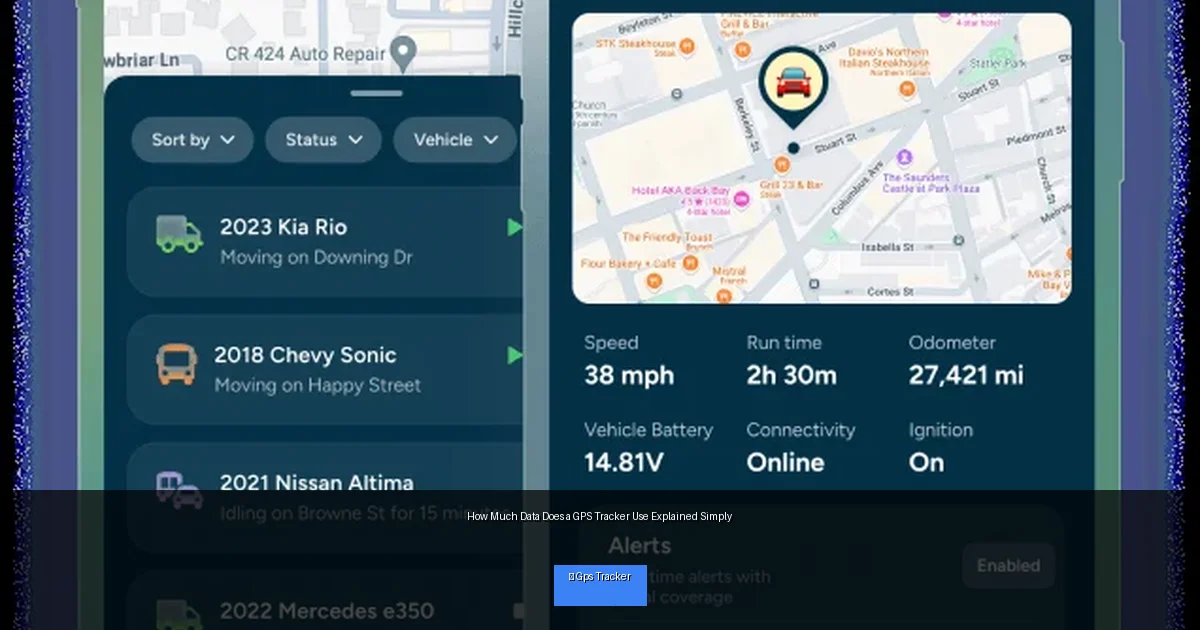
A GPS tracker uses satellites to determine its location and then sends this information via cellular or Wi-Fi networks to an app or website. The data it sends includes coordinates (latitude and longitude), timestamps, and sometimes additional info like speed or battery status. This data transfer requires a data connection, which consumes data from your plan.
Visual guide about How Much Data Does a GPS Tracker Use Explained Simply
Image source: trackhawkgps.com
What Data Does a GPS Tracker Send?
- Location coordinates: The core data, usually a pair of numbers (latitude and longitude).
- Timestamps: To show when the location was recorded.
- Additional sensor data: Speed, altitude, battery level, or temperature, depending on the device.
- Alerts or status updates: Such as geofence breaches or low battery warnings.
Step 1: Calculate Typical Data Usage of a GPS Tracker
Data Size per Location Update
Each GPS data point is quite small. Generally, a single location update sends about 50 to 150 bytes of data. When you add overhead like protocol headers, this can increase slightly.
Frequency of Updates
How often your tracker sends data matters a lot. A tracker sending updates every minute uses more data than one sending updates every 10 minutes.
Example Calculation
- If a tracker sends 100 bytes per update
- Updates every 5 minutes (12 updates per hour)
- 12 updates × 100 bytes = 1,200 bytes per hour (about 1.2 KB)
- Per day: 1.2 KB × 24 hours = 28.8 KB
This means roughly 30 KB/day or about 900 KB/month, which is less than 1 MB per month.
Step 2: Factors That Affect GPS Tracker Data Usage
Update Interval
More frequent updates mean more data. For example, updates every 10 seconds will use much more data than updates every 10 minutes.
Type of Data Sent
Some GPS trackers send only basic coordinates. Others include maps, images, or sensor data, which increases data consumption.
Device Features
Advanced trackers with live streaming, video, or voice capabilities use significantly more data.
Compression and Protocols
Some devices compress data or use efficient protocols to reduce data usage.
Network Type
Using Wi-Fi for updates reduces cellular data use. Some trackers store data offline and upload only when connected to Wi-Fi.
Step 3: How to Monitor Your GPS Tracker’s Data Usage
Check Tracker App or Dashboard
Many GPS tracking services provide data usage stats in their apps or websites.
Use Your Cellular Provider’s Tools
Check your data usage on your cellular provider’s app or website to monitor tracker consumption.
Third-Party Data Monitoring Apps
Apps like My Data Manager can track data usage by app or device.
Step 4: Tips to Reduce GPS Tracker Data Usage
Increase Update Interval
Set your tracker to send location updates less frequently, like every 10 or 15 minutes instead of every minute.
Use Wi-Fi When Possible
If your tracker supports Wi-Fi, connect it to Wi-Fi networks for data uploads.
Disable Unnecessary Features
Turn off features like live streaming, video, or sensors you don’t need.
Choose Data-Efficient Devices
Look for GPS trackers known for low data usage and data compression technologies.
Set Up Geofences
Enable geofence alerts to receive notifications only when the device moves outside a zone, reducing constant updates.
Step 5: Choosing the Right Data Plan
Estimate Monthly Data Needs
Multiply your daily data usage by 30 to estimate monthly consumption. Add a buffer for unexpected spikes.
Prepaid vs. Postpaid Plans
Prepaid plans give you control over spending and prevent surprise charges. Postpaid plans may offer better rates but watch for overages.
Consider Specialized IoT Data Plans
Some providers offer plans specifically tailored for IoT devices like GPS trackers, often at lower rates.
Troubleshooting Common Data Usage Issues
Why Is My GPS Tracker Using More Data Than Expected?
- Check update intervals: Too frequent updates increase data use.
- Look for added features: Some apps auto-upload photos or diagnostics.
- Firmware updates: Outdated software can cause bugs leading to excess data use.
How to Fix High Data Consumption?
- Adjust tracking frequency to lower update rates.
- Disable unnecessary features or sensors.
- Update device firmware and app to latest versions.
- Contact customer support for help with device settings.
Conclusion
Understanding how much data a GPS tracker uses is key to choosing the right device and data plan. Most basic trackers use surprisingly little data — often less than 1 MB per month with reasonable update intervals. Factors like update frequency, device features, and connectivity options affect total data consumption. By monitoring usage and optimizing settings, you can keep your GPS tracking affordable and efficient. Now you’re ready to pick a GPS tracker that fits your needs without worrying about data surprises!
