
How Mini GPS Tracker Works Explained for Easy Location Tracking
Mini GPS trackers are compact devices designed to provide real-time location tracking with ease. This guide explains how mini GPS trackers work, breaking down the technology, setup steps, and tips for effective use. Whether for personal safety, vehicle tracking, or asset protection, you’ll learn everything you need to get started with mini GPS tracking.
Key Takeaways
- Mini GPS trackers use satellites: They connect to GPS satellites to determine precise location coordinates.
- Real-time tracking enabled by cellular networks: Devices send location data via GSM or LTE networks to your phone or computer.
- Compact and portable design: Their small size allows discreet placement on vehicles, pets, or personal belongings.
- Easy setup and monitoring: Most trackers work with smartphone apps or web platforms for instant tracking updates.
- Battery life is crucial: Efficient power use allows devices to last from days to weeks depending on usage.
- Geofencing alerts enhance security: Trackers can notify you if the device moves outside a set area.
- Troubleshooting common issues: Understanding signal loss and battery problems helps maintain reliable tracking.
Introduction: Understanding How Mini GPS Trackers Work
If you’re curious about how mini GPS trackers work, you’re in the right place. These small devices are revolutionizing how we keep tabs on vehicles, loved ones, and valuable items. In this guide, you’ll learn what makes mini GPS trackers tick, how they pinpoint locations, and how to use them effectively for easy location tracking. By the end, you’ll feel confident choosing and operating a mini GPS tracker tailored to your needs.
Step 1: Learn the Basics of GPS Technology
What is GPS?
GPS stands for Global Positioning System. It’s a network of about 30 satellites orbiting the Earth. These satellites continuously send signals to GPS receivers on the ground. The receiver calculates its distance from several satellites to determine its exact location using a method called trilateration.
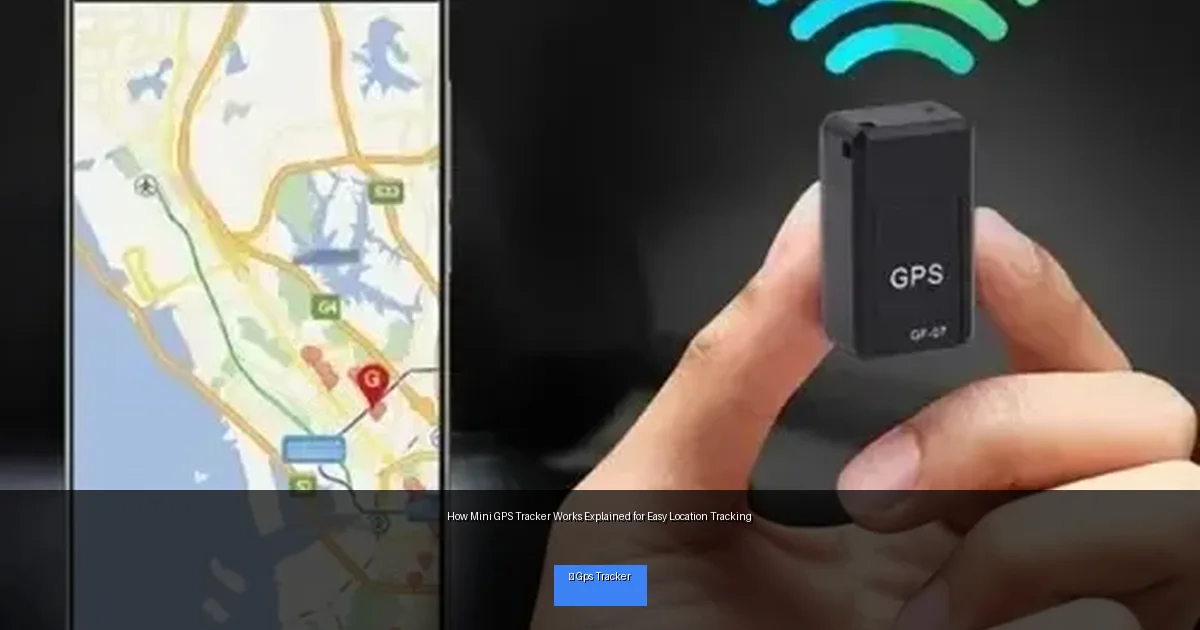
Visual guide about How Mini GPS Tracker Works Explained for Easy Location Tracking
Image source: www-konga-com-res.cloudinary.com
How Mini GPS Trackers Use GPS
Mini GPS trackers contain a GPS receiver chip. This chip listens for satellite signals and computes the device’s coordinates—latitude, longitude, and sometimes altitude. This positioning data is the first step in tracking.
Step 2: Understand How Location Data is Transmitted
Cellular Networks and SIM Cards
Once the mini GPS tracker knows its position, it needs to send that info to you. Most mini GPS trackers have a SIM card that connects to cellular networks—GSM, 3G, 4G, or LTE. This connection allows the device to send location data to a server or directly to your smartphone.
Data Transmission Process
- The tracker gets GPS coordinates.
- It sends these coordinates via cellular network.
- You access the location through an app or online platform.
Step 3: Set Up Your Mini GPS Tracker
Choosing the Right Tracker
Pick a tracker that fits your purpose—whether for pets, vehicles, or personal safety. Look for features like battery life, size, and network compatibility.
Insert SIM Card and Charge the Device
Most mini GPS trackers require a SIM card with a data plan. Insert the SIM card carefully and fully charge the battery before first use.
Download the Tracking App
Manufacturers usually provide a free app or web portal. Download and install it on your smartphone or computer. Create an account and follow the prompts to link your device.
Step 4: Using Your Mini GPS Tracker
Placing the Tracker
Hide or attach the device where it won’t be easily noticed. For pets, clip it to the collar. For vehicles, tuck it under the dashboard or inside a glove compartment.
Monitoring Location
Open your tracking app to view live location updates. Many apps refresh every few seconds or minutes, depending on settings.
Setting Geofences and Alerts
Geofencing lets you define safe zones. If the tracker leaves these zones, you’ll get instant alerts. This feature is great for theft prevention and child safety.
Step 5: Tips for Maximizing Tracker Performance
- Keep the tracker charged: Check battery levels regularly to avoid interruptions.
- Ensure good cellular coverage: Signal strength affects tracking accuracy and update frequency.
- Update firmware and apps: Stay updated for better features and security.
- Test the device before full use: Confirm it works properly in your environment.
Step 6: Troubleshooting Common Issues
Problem: No Location Updates
Check if the SIM card has active data and if the device has battery power. Also, ensure you are in an area with good GPS and cellular coverage.
Problem: Inaccurate Locations
GPS signals can be weak indoors or near tall buildings. Try moving the tracker outdoors or closer to a window.
Problem: App Not Connecting to Device
Restart the app and your phone. Confirm the device is powered on and connected to the network. Re-pair the device if needed.
Conclusion: Easy Location Tracking with Mini GPS Trackers
Mini GPS trackers are simple yet powerful tools for keeping track of what matters. By understanding how mini GPS trackers work—from satellite positioning to cellular data transmission—you can confidently use these devices for personal safety, asset protection, or peace of mind. Remember to choose the right tracker, set it up properly, and maintain it for the best experience. With these steps, easy location tracking is just a few clicks away.

