
How to Wire a GPS Tracker Step by Step for Easy Installation
In this guide, you will learn how to wire a GPS tracker step by step for a quick and hassle-free installation. We cover everything from tools needed to connecting wires safely, making it simple for anyone to follow along and get their GPS tracker up and running.
Key Takeaways
- Understanding the Basics: Learn what components are involved in wiring a GPS tracker and their roles.
- Preparation is Key: Gather the right tools and materials before starting to ensure smooth installation.
- Step-by-Step Wiring: Follow clear instructions on connecting power, ground, ignition, and other wires.
- Safety First: Tips on avoiding electrical hazards and protecting your vehicle’s electrical system.
- Troubleshooting Tips: How to identify and fix common wiring issues if the GPS tracker does not work as expected.
- Testing the Installation: Verify the tracker’s functionality before finalizing the setup.
- Maintenance Advice: Keep your GPS tracker working well with regular checks and care.
How to Wire a GPS Tracker Step by Step for Easy Installation
If you’ve purchased a GPS tracker for your vehicle, you might wonder how to wire it correctly for reliable tracking. This guide will walk you through the entire process, from understanding the parts to connecting the wires safely and testing the device. By the end, you’ll have your GPS tracker installed and working smoothly.
What You Will Learn
This guide teaches you how to wire a GPS tracker step by step, including:
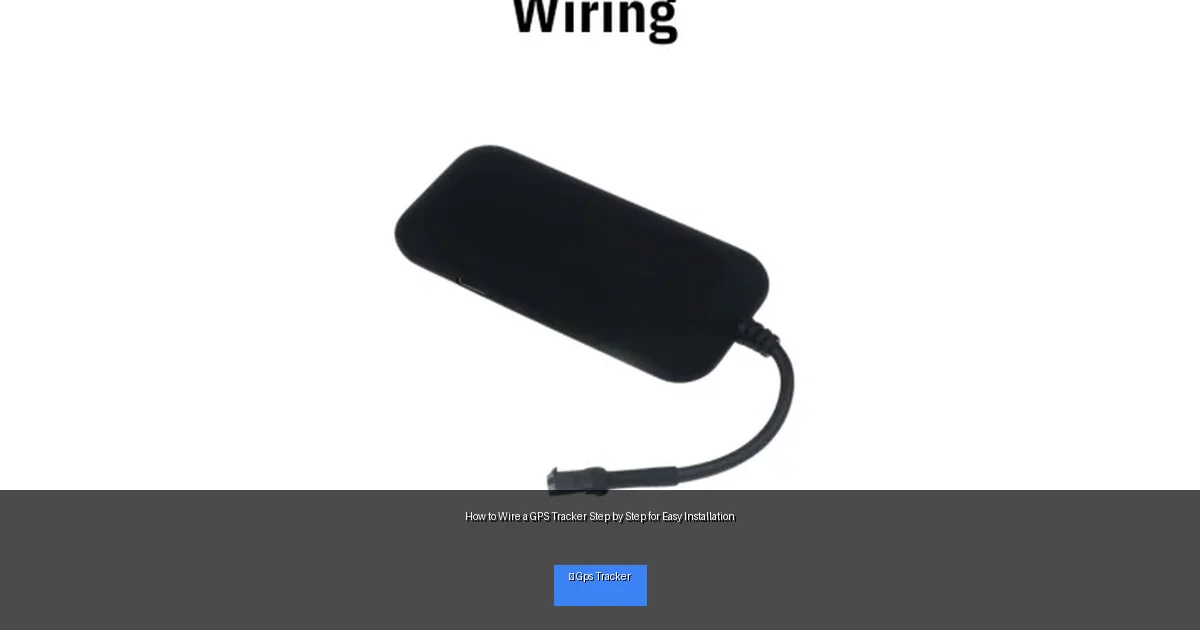
Visual guide about How to Wire a GPS Tracker Step by Step for Easy Installation
Image source: spypluscy.com
- Identifying the wires and their functions
- Tools and materials needed for installation
- Safe wiring practices
- Testing and troubleshooting
Step 1: Gather Your Tools and Materials
Before you start, make sure you have everything you need. Having the right tools will make the process quicker and safer.
What You Need
- GPS tracker device
- Wire strippers
- Electrical tape or heat shrink tubing
- Multimeter or test light
- Crimp connectors or soldering kit (optional)
- Zip ties or cable clips
- Screwdriver set
- Vehicle wiring diagram (optional but helpful)
Tip:
Check your GPS tracker’s manual for any special requirements or accessories.
Step 2: Understand Your GPS Tracker’s Wiring
Most GPS trackers have a few essential wires:
- Power wire (usually red): Connects to a constant 12V power source
- Ground wire (usually black): Connects to the vehicle’s chassis ground
- Ignition wire (usually yellow): Connects to the ignition switch to detect when the vehicle is on
- Optional wires: Some trackers have additional wires for features like cut-off relays or sensors
Tip:
Color codes can vary. Always check your tracker’s wiring diagram.
Step 3: Locate Suitable Wiring Points in Your Vehicle
Finding the right wires or connection points in your vehicle is crucial.
Identify the Power Source
Look for a fuse or a wire that has constant 12V power, even when the ignition is off. A fuse box or battery connection is a good place to start.
Find the Ignition Wire
This wire provides 12V only when the ignition is on. Use a multimeter or test light to identify it by turning the key on and off.
Locate a Good Ground
Use a metal part of the vehicle’s chassis that is clean and unpainted. This ensures a solid ground connection.
Tip:
Consult your vehicle’s wiring diagram or owner’s manual if you are unsure.
Step 4: Prepare the Wires
Before connecting, strip about 1/4 inch of insulation from each wire to expose the metal conductor.
Use Wire Strippers
Carefully remove the insulation without cutting the wire strands.
Twist and Tin (Optional)
Twist the wire strands to keep them neat. If you have a soldering kit, tin the wires with solder for a stronger connection.
Tip:
Make sure wires are clean and free of corrosion.
Step 5: Connect the GPS Tracker Wires
Now, connect the tracker wires to the vehicle wires or connection points.
Connect the Power Wire
- Attach the red power wire to the constant 12V power source.
- Use a fuse tap if connecting in the fuse box for safety.
Connect the Ground Wire
- Secure the black ground wire to the vehicle’s chassis.
- Use a ring terminal and screw it tightly.
Connect the Ignition Wire
- Attach the yellow ignition wire to the ignition wire identified earlier.
- Use a splice connector or solder the connection.
Connect Optional Wires
If your GPS tracker has other wires, follow the manual instructions for features like engine cut-off or alarms.
Insulate Connections
Wrap all connections with electrical tape or use heat shrink tubing to prevent short circuits.
Step 6: Secure the GPS Tracker Device
Find a hidden yet accessible place to mount the tracker inside your vehicle.
- Under the dashboard
- Behind the glove box
- Inside the engine compartment (if waterproof)
Use zip ties or mounting brackets to hold it firmly in place.
Tip:
Avoid placing the tracker near metal that could block the GPS signal.
Step 7: Test the Installation
Before closing everything up, test if the GPS tracker is working.
- Turn the ignition on and check the tracker’s LED indicators.
- Use the tracker’s app or website to verify the device shows your vehicle’s location.
- If the tracker does not respond, recheck all connections.
Troubleshooting Common Issues
Tracker Not Powering On
Check the power wire connection and fuse. Use a multimeter to verify voltage at the tracker’s power wire.
No GPS Signal
Ensure the tracker is mounted in a location with a clear view of the sky. Avoid metal enclosures or tight spaces.
Ignition Wire Not Responding
Confirm you identified the correct ignition wire. Use a test light to check voltage changes when turning the key.
Intermittent Signal or Power
Inspect all wire splices for loose connections or corrosion. Secure and insulate connections properly.
Conclusion
Wiring a GPS tracker may seem daunting, but by following these simple steps, you can install it easily and safely. Remember to prepare your tools, identify wires carefully, and double-check all connections. With your GPS tracker properly wired, you can enjoy peace of mind knowing your vehicle’s location is always monitored. Happy tracking!
