How Should a Solo Female Traveler Prepare Her Phone for International Travel?
Quick Answer
A solo female traveler should prepare her phone for international travel before leaving home, not after landing. Update and back up the device, arrange roaming or an eSIM, download offline maps, secure important accounts, save emergency information, and test everything while you still have reliable internet. The U.S. Department of State also recommends planning your communication options abroad before departure.
Phone Preparation Checklist
- Update your phone: Install operating system and app updates before traveling.
- Back everything up: Protect photos, contacts, travel documents, and other important data.
- Arrange mobile data: Choose roaming, a travel eSIM, or a local SIM before you need it.
- Prepare offline tools: Download destination maps, translation languages, tickets, and booking details.
- Strengthen security: Use a strong screen lock, device tracking, secure passwords, and multifactor authentication.
- Create an emergency backup: Save key contacts somewhere you can reach without your phone.
If you’re wondering how should a solo female traveler prepare her phone for international travel, think beyond buying mobile data. Your phone may become your map, translator, boarding pass, payment tool, safety link, and connection to home.
I prepare mine as though I could lose internet access for several hours on arrival. That simple mindset prevents many stressful problems.
In This Guide
- What should you do to your phone before international travel?
- Should you use roaming, a local SIM, or an eSIM?
- What should you download before leaving home?
- How should a solo woman secure her phone while traveling?
- What emergency information should you keep on your phone?
- How should you prepare for charging and battery problems?
- Frequently asked questions
What does preparing your phone for international travel mean?
It means setting up your device so navigation, communication, account access, emergency information, and essential travel documents remain available when your normal cellular service or Wi-Fi does not.
What Should You Do to Your Phone Before International Travel?
Prepare the phone several days before departure. Doing this at home gives you time to fix login problems, storage issues, or carrier restrictions.
Update the operating system and your important apps
Install available security updates for your phone first. Then update the apps you expect to use during your trip.
- Airline apps
- Maps and navigation
- Messaging apps
- Translation tools
- Banking and payment apps
- Hotel and accommodation apps
- Ride-hailing and public transport apps
- Password manager or authenticator apps
I avoid major updates on the morning of a flight. An update that needs another login or changes a setting can become an unnecessary airport problem.
Make a complete backup
Back up your phone shortly before leaving. A recent backup matters if the device gets damaged, lost, or stolen.
CISA recommends protecting important data with secure backups and keeping devices updated. Its broader Secure Our World guidance also emphasizes strong passwords and multifactor authentication.
- Contacts
- Photos and videos
- Notes
- Travel documents
- Authentication settings where supported
- Important app data
Free up storage space
Leave enough space for photos, offline maps, videos, downloaded translation files, and app updates. A nearly full phone can become frustrating during a long trip.
I also remove old downloads before leaving. It makes important travel files easier to find when I’m tired or in a hurry.
Check whether your phone is carrier-unlocked
This matters if you plan to install another carrier’s physical SIM or eSIM. A carrier-locked device may limit your options abroad.
Check before purchasing a travel plan. Fixing a lock while standing in an airport arrivals hall is the wrong time to discover the problem.
Should You Use Roaming, a Local SIM, or an eSIM?
There isn’t one best mobile-data option for every solo traveler. The right choice depends on your phone, trip length, destination, and need to keep your usual number active.
As of 2026, many newer phones support eSIMs. Apple notes that supported iPhones can use travel eSIM options alongside existing service, depending on the model and carrier.
| Option | Main Advantage | Main Drawback | Best For |
|---|---|---|---|
| Home-carrier roaming | Usually the simplest setup | Cost and data allowances vary widely | Short trips and travelers who value convenience |
| Travel eSIM | Can often be installed before departure | Requires a compatible, usually unlocked phone | Multi-country trips and quick arrival connectivity |
| Local physical SIM | May provide a local number and local plan | Requires SIM swapping and may require identification | Longer stays in one country |
Why I prefer having data available when I land
I don’t like depending on airport Wi-Fi for my first connection. My priority is being able to open directions and contact my accommodation immediately.
For that reason, I prefer arranging connectivity before departure whenever possible. It removes one task from the arrival process.
Check your settings before the flight
If you’re using a second SIM or eSIM, know which line will handle cellular data. Also check whether your home line could generate roaming charges.
Apple’s international eSIM guidance explains how supported iPhones can use home and travel lines and how travelers can choose a cellular-data line.
- Confirm which SIM handles mobile data.
- Decide whether your home line stays active.
- Check data-roaming settings.
- Save your carrier’s support information.
- Screenshot your travel-plan confirmation.
What Should You Download Before Leaving Home?
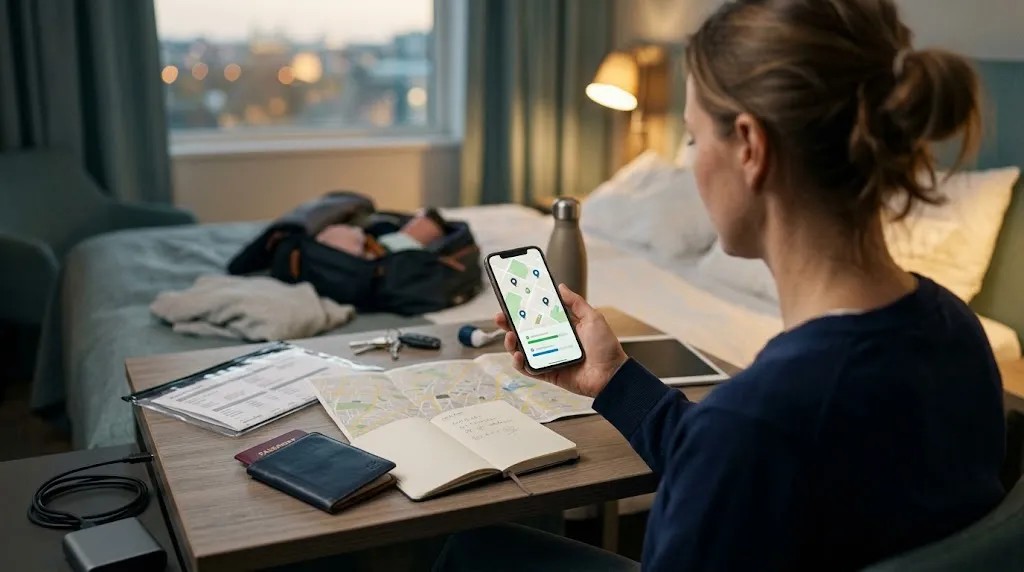
Assume you will temporarily lose data. Preparing a few offline tools can turn that from a stressful event into a minor inconvenience.
Download offline maps
Save the areas around your airport, accommodation, major train stations, and planned neighborhoods. Don’t download only the city center if your airport is far outside it.
Google explains how to download areas for offline navigation. Availability and offline functions can vary by region.
I also pin my accommodation before traveling. I want to find it without retyping an address on a crowded street.
Save essential addresses in more than one form
- Hotel or hostel address
- Airport or arrival terminal
- Main train or bus station
- Embassy or consulate location when relevant
- One or two backup accommodation options
- Pre-booked tour meeting points
Keep important addresses in both English and the local language when that could help a driver or station employee.
Download translation support
If your translation app supports offline language files, download them before leaving. Test a simple phrase with airplane mode enabled.
Save several practical phrases too. Asking for a hospital, police station, train platform, or your hotel can matter more than learning dozens of casual expressions.
Save travel documents for offline access
- Flight confirmations
- Boarding passes when available
- Accommodation bookings
- Travel insurance information
- Train and bus tickets
- Tour confirmations
- Copies of important identification
Don’t depend entirely on an email inbox that may require a new login. Store essential files in a secure location you know works offline.
How Should a Solo Woman Secure Her Phone While Traveling?
Your phone contains far more than photos. It may provide access to your email, banking, identity documents, social accounts, transportation, and accommodation.
Use a strong screen lock
Use a PIN or password that isn’t easy to guess. Enable biometric authentication if you’re comfortable using it.
Set the phone to lock automatically after a short period. A phone left unlocked on a café table should not provide instant access to your accounts.
Turn on device tracking
Enable the phone’s built-in location and recovery feature before departure. Make sure you know the account password required to use it from another device.
Also check how you would mark the device as lost. Knowing that process before an emergency saves time.
Protect your most important accounts
- Primary bank account
- Cloud storage
- Apple or Google account
- Password manager
- Social media accounts used for communication
Use unique passwords and multifactor authentication where available. An authenticator app can be useful, but consider what happens if that app exists only on the phone you lose.
Store recovery codes securely somewhere separate. Don’t keep your only recovery method on one device.
Be deliberate with public Wi-Fi
Modern encrypted websites reduce many old public-Wi-Fi risks, but you should still confirm you’re joining the correct network. Be cautious before handling sensitive information on an unfamiliar connection.
Avoid blindly connecting to networks with names that merely resemble your hotel or airport. The FTC’s public Wi-Fi guidance explains how encrypted websites protect information in transit.
- Disable automatic Wi-Fi joining when practical.
- Keep Bluetooth off when you aren’t using it.
- Use cellular data for sensitive tasks when that’s the safer option.
- Never approve unexpected login or MFA requests.
What Emergency Information Should You Keep on Your Phone?
A good emergency setup lets someone help you even when you’re stressed, injured, or unable to unlock your phone normally.
Configure emergency medical information
If your phone supports emergency information from the lock screen, set it up. Include only information you’re comfortable making accessible.
- Emergency contact
- Relevant allergies
- Important medications
- Critical medical information
Check the information before every major trip. An old phone number isn’t useful during an emergency.
Save destination-specific emergency numbers
Don’t assume every country uses 911. Check police, ambulance, and fire numbers for your destination before arrival.
Save your accommodation’s phone number too. I like having it available as a normal contact rather than searching through booking emails.
Create a simple solo-travel contact plan
Choose one trusted person at home who knows your basic itinerary. Decide when you’ll normally check in and what they should do if they cannot reach you.
This doesn’t require constant location sharing. The goal is to create a clear backup plan that both people understand.
Keep a second copy outside the phone
Your safety plan should survive the loss of the device. Keep a small printed card or securely stored backup with important numbers.
- Your trusted contact
- Travel insurance assistance number
- Accommodation information
- Essential banking contact numbers
- Carrier support number
Pro tip: Emergency procedures vary by country. Verify local emergency numbers and current destination guidance through official government sources before your trip.
How Should You Prepare for Charging and Battery Problems?
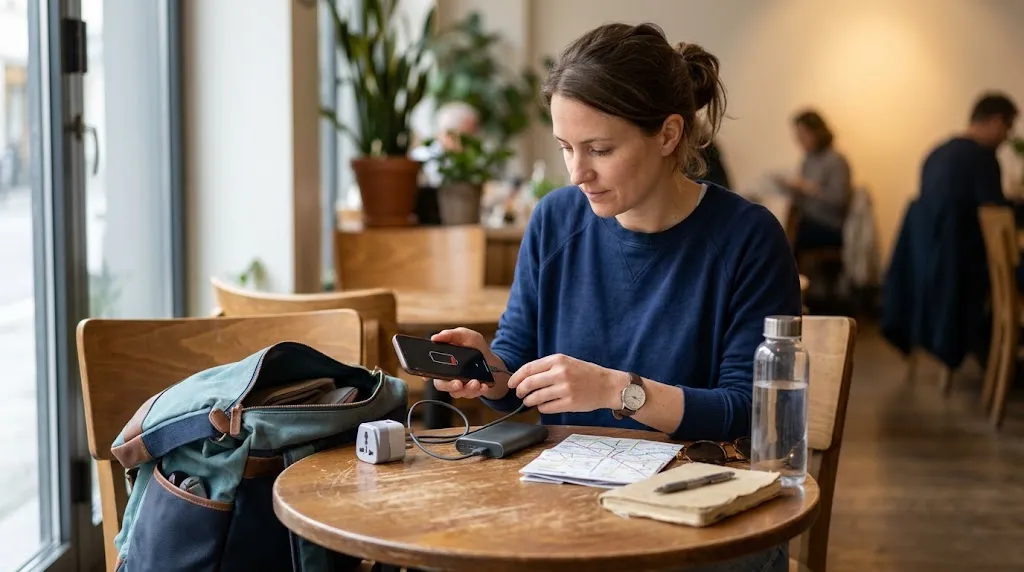
Connectivity doesn’t help much when your battery reaches zero. For a solo traveler, keeping enough power for navigation and communication should be part of daily planning.
Check the plug type and voltage before departure
Research the plug configuration used at your destination. Pack the correct travel adapter rather than assuming your hotel will provide one.
A plug adapter changes the physical connection. It doesn’t automatically convert voltage, so check the requirements of any device that needs voltage conversion.
Carry a portable battery
A power bank can be especially useful on sightseeing days, long train journeys, and airport transfers. Charge it before leaving your accommodation.
I treat the final part of my phone battery as emergency capacity. If I’m still far from my accommodation, I cut unnecessary use before the battery becomes critical.
Reduce unnecessary battery drain
- Use low-power mode when needed.
- Lower screen brightness.
- Close navigation when you no longer need it.
- Turn off unused wireless features.
- Use downloaded maps instead of repeatedly loading new map data.
- Carry a charging cable in your day bag.
One final test helps. Put your phone in airplane mode before the trip and see what still works.
Open your maps, bookings, travel documents, translation tools, and saved addresses. Anything essential that disappears needs another offline backup.
Frequently Asked Questions
Should a solo female traveler buy an eSIM before an international trip?
An eSIM can be convenient if your phone supports it and is compatible with the provider. Buying and installing it before departure can give you a data option immediately after landing, but compare it with your carrier’s roaming plan and local SIM options first.
Should I keep data roaming turned off while traveling internationally?
That depends on the mobile plan you’re using. If your home carrier charges for roaming, leaving roaming enabled on the wrong line could create unwanted charges. Check your carrier’s terms and confirm which SIM or eSIM is assigned to cellular data before traveling.
What should I do if my phone is stolen while traveling alone?
Prioritize your physical safety first. Then use another trusted device to activate your phone’s lost-device features, contact your carrier, secure important accounts, and change exposed passwords. Report the theft locally when required for insurance or official documentation.
Should I carry a second phone when traveling solo?
Most travelers don’t need one, but a backup phone can be useful on long trips or when reliable communication is critical. A cheaper spare device may also provide access to maps, messages, and essential accounts if your primary phone is lost or damaged.
Should I store a photo of my passport on my phone?
A secure digital copy can help you access identifying information if the original is unavailable. Protect the file appropriately and remember that a photograph usually does not replace the physical passport where the original document is legally required.
Can I rely completely on my phone for an international solo trip?
No. Your phone can fail, run out of power, lose service, or disappear. Keep at least a small offline backup containing essential contacts, accommodation details, and other information you would need to continue the trip safely.
How early should I prepare my phone before traveling?
I prefer doing the main setup three to seven days before departure. That leaves enough time to resolve carrier locks, forgotten passwords, storage shortages, authentication problems, or apps that need extra verification.
A Final Phone Check Before You Leave
Your phone should make solo travel easier, not become a single point of failure. The best setup gives you several ways to navigate, communicate, prove bookings, and get help.
- Update the phone and apps.
- Complete a fresh backup.
- Confirm roaming, SIM, or eSIM arrangements.
- Download maps and translation files.
- Save travel documents offline.
- Enable strong security and device tracking.
- Store emergency contacts.
- Pack your adapter, charging cable, and power bank.
- Test important tools in airplane mode.
Do those things before leaving home, and you’ll arrive with fewer technical decisions to make. That gives you more attention for the part that matters: navigating a new place confidently and enjoying your trip.