How Can a Woman Download Offline Maps Before Traveling Alone?
Quick Answer
A woman can download offline maps before traveling alone by saving her destination area to her preferred map app while she still has reliable internet. In Google Maps, open your profile, choose Offline maps, select your own map, adjust the area, and download it. Test the downloaded area in airplane mode before leaving so you know what still works without mobile data.
Quick offline-map preparation steps
- Choose your app: Use Google Maps, Apple Maps, or another trusted offline navigation app.
- Download early: Save the maps while you have reliable Wi-Fi before departure.
- Cover the full route: Include your airport, station, accommodation, main neighborhoods, and planned day trips.
- Save key places: Mark your hotel, transportation hubs, pharmacies, hospitals, and meeting points.
- Test offline: Switch on airplane mode and confirm that the downloaded map opens and your location appears.
- Create a backup: Keep important addresses and emergency details outside the map app too.
If you’re wondering how can a woman download offline maps before traveling alone, the technical part is easy. The more important step is downloading enough of the destination to remain useful when your SIM card, Wi-Fi, or mobile data stops working.
I treat an offline map as one layer of a solo-travel backup plan. It helps me make calm decisions instead of standing on an unfamiliar street hoping my phone reconnects.
In This Guide
- What are offline maps, and why should solo travelers use them?
- How can a woman download offline maps in Google Maps?
- How do you download offline maps on an iPhone?
- Which offline map app is best for solo female travel?
- How much of your destination should you download?
- How should you test offline maps before traveling alone?
- Offline maps for solo travel: FAQ
What Are Offline Maps, and Why Should Solo Travelers Use Them?
Offline maps are map files stored directly on your phone. After downloading them, you can view covered areas without depending on an active cellular or Wi-Fi connection.
Simple definition: An offline map is a locally saved map that lets your phone display roads, places, and supported navigation information when internet access is unavailable.
This matters when you’re traveling alone because navigation problems often happen at inconvenient moments. Airport Wi-Fi may disconnect, a roaming plan may fail, or your local SIM may not activate immediately.
Offline maps also reduce the pressure to solve those problems while carrying luggage or arriving somewhere unfamiliar.
When are offline maps most useful?
- Airport arrivals: You can still see where your accommodation sits relative to the airport.
- Train and bus journeys: You can follow your progress even when mobile coverage disappears between towns.
- Walking around cities: A saved map helps you understand surrounding streets without relying completely on data.
- Road trips: Rural roads and mountain areas often have weaker coverage than cities.
- International travel: You can navigate before buying or activating a local SIM.
- Unexpected data problems: A downloaded map remains available when roaming or mobile data fails.
I also use offline maps to reduce unnecessary phone use. Instead of repeatedly waiting for map tiles to load, I already have the basic geography stored on the device.
That said, an offline map isn’t a complete safety system. It cannot replace live travel alerts, local advice, emergency services, or a reliable way to contact someone.
How Can a Woman Download Offline Maps in Google Maps?
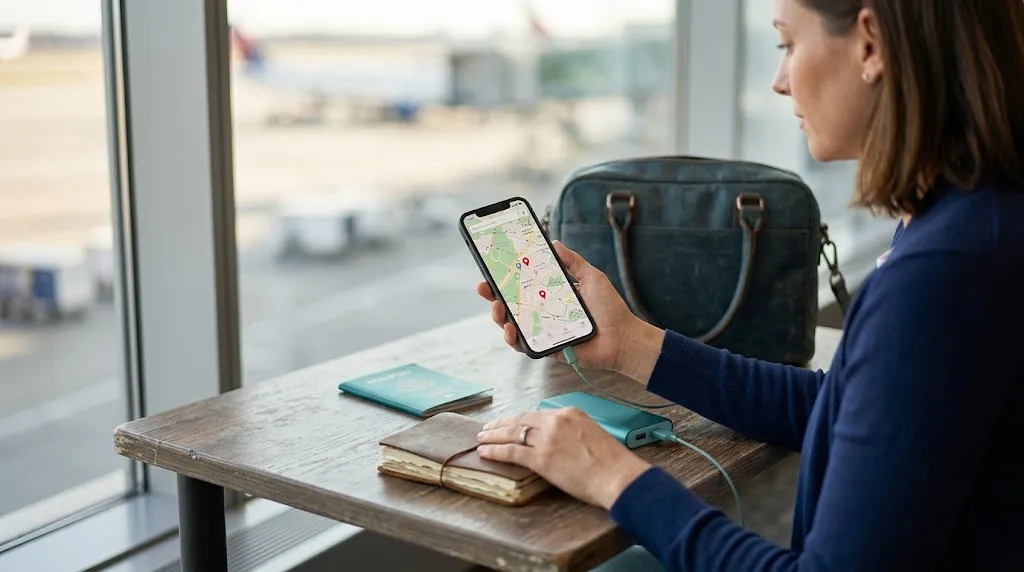
Google Maps lets Android and iPhone users save selected geographic areas for offline use. The safest approach is to download the map before the trip while connected to dependable Wi-Fi.
As of 2026, offline-map availability can vary by country or region. Check your destination before assuming the download option will appear.
Download a custom area in Google Maps
- Open the Google Maps app while connected to the internet.
- Tap your profile picture or account initial.
- Select Offline maps.
- Choose Select your own map.
- Move and resize the selection box around your destination.
- Make sure your accommodation and main transportation points fit inside it.
- Tap Download.
- Leave the app open long enough for the download to finish.
You can also search for a destination and download its surrounding area through the place information screen when the option is available.
Know what Google Maps cannot do offline
This limitation matters. When Google Maps is fully offline, its navigation features are not identical to the online version.
- Driving: Offline driving directions can work when the full route is inside your downloaded area.
- Walking: Google says walking directions are unavailable while offline.
- Cycling: Offline bicycling directions are unavailable.
- Public transit: Transit directions are unavailable without a connection.
- Traffic: Live traffic information will not be available offline.
- Alternate routes: Live route alternatives may not appear while offline.
That means a solo traveler who expects to walk or use public transportation shouldn’t assume a Google download provides every navigation feature she uses at home.
I would still download it. I would simply add a second backup for walking-heavy trips.
How Do You Download Offline Maps on an iPhone?
Apple Maps also supports downloadable areas on compatible current iPhones. Apple’s offline maps can provide several navigation features even without Wi-Fi or cellular service.
You should still confirm availability for your destination because Apple notes that offline maps aren’t supported everywhere.
Download an offline area in Apple Maps
- Open the Maps app.
- Tap your picture or initials beside the search field.
- Select Offline Maps.
- Tap the option to add a new map.
- Search for your destination or choose your current location.
- Resize the selected area until it covers the places you need.
- Check the estimated storage requirement.
- Tap Download.
Apple also lets you touch and hold an area on the map and download around the selected location when that feature is available.
According to Apple’s offline maps guidance, supported downloaded areas can provide place information and turn-by-turn directions for driving, walking, cycling, and transit while offline.
Check the update settings
Automatic updates are enabled by default in Apple Maps. I still check the map a day or two before departure, especially if I downloaded it weeks earlier.
You can also resize or remove old offline areas to control storage use.
Solo-travel tip: Don’t download only the hotel neighborhood. Include your arrival airport or station and the route between it and your accommodation.
Which Offline Map App Is Best for Solo Female Travel?
The best offline map depends on how you’ll move around. Google Maps is familiar to many travelers, Apple Maps offers strong offline functions on supported iPhones, and dedicated apps can provide another layer of redundancy.
I prefer choosing based on the trip rather than declaring one app the winner.
| Option | Good for | Useful offline features | Main caution |
|---|---|---|---|
| Google Maps | Familiar city navigation and driving | Saved map areas and offline driving routes within downloaded coverage | Offline walking, cycling, and transit directions are unavailable |
| Apple Maps | iPhone users wanting integrated offline navigation | Supported driving, walking, cycling, transit, and place information | Offline coverage isn’t available in every region |
| Organic Maps | Travelers wanting a dedicated offline backup | Offline maps and GPS navigation for activities including walking, cycling, and driving | Local map detail depends on available OpenStreetMap data |
Organic Maps is especially useful as a secondary option because it is designed around offline map use and uses OpenStreetMap data.
For a first solo trip, two map apps can be more useful than installing five. Learn how your primary app works, then keep one reliable backup.
How Much of Your Destination Should You Download?
Download more than the exact places on your itinerary. Plans change, trains stop running, accommodations move, and you may decide to explore a neighborhood you hadn’t expected to visit.
The goal is to create enough geographic breathing room to change plans without immediately needing mobile data.
Include these places in your offline coverage
- Your arrival point: Airport, train station, ferry port, or bus terminal.
- Your accommodation: Include the surrounding streets, not only the building pin.
- Your planned neighborhoods: Cover the areas where you’ll eat, shop, sightsee, or take tours.
- Transportation connections: Include major stations and transfer points you expect to use.
- Day-trip routes: Download separate areas when excursions extend beyond the main city.
- Useful services: Save nearby pharmacies, hospitals, supermarkets, and staffed transportation hubs.
For a compact city trip, I usually think in terms of the entire usable city rather than a few tourist blocks. If the airport sits far outside the center, I make sure the corridor between them is covered too.
Save the places you would need while stressed
A good solo-travel map isn’t only a sightseeing map. Save the locations you might need when you’re tired, sick, delayed, or trying to get back after dark.
- Hotel or hostel
- Airport or main railway station
- Hospital or urgent medical facility
- Nearby pharmacy
- Police or staffed public-safety location when appropriate
- Embassy or consulate information for international travel when relevant
- Pre-booked tour meeting points
- Backup transportation points
*Pro tip:* Before an international trip, review current destination advisories and emergency information through the U.S. State Department’s international travel checklist or your own government’s official travel service.
Offline maps help you navigate. They don’t replace current information about demonstrations, severe weather, transportation disruptions, or changing local safety conditions.
How Should You Test Offline Maps Before Traveling Alone?
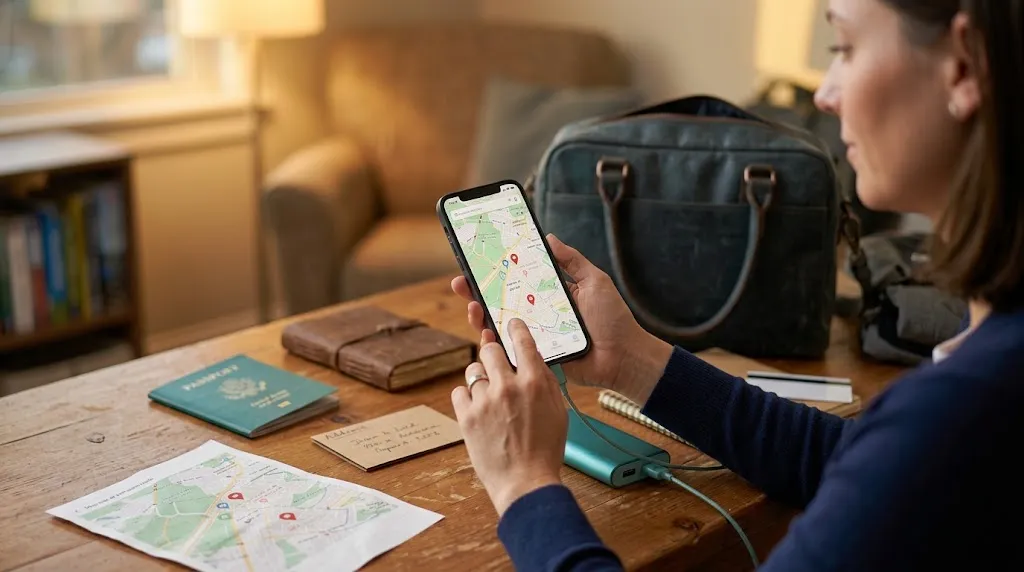
Downloading the map isn’t the final step. Test it before departure because finding out that something didn’t save correctly is much easier at home than outside an unfamiliar airport.
My rule is simple: if I haven’t tested the map without data, I don’t consider the backup finished.
Run a 10-minute offline test
- Finish downloading every planned map area.
- Open each downloaded area once while still online.
- Turn on airplane mode.
- Leave Wi-Fi off temporarily.
- Open the map app again.
- Check whether your accommodation and arrival point remain visible.
- Move around the downloaded map and confirm streets load.
- Test a supported offline route.
- Return online and correct any missing coverage.
This test also teaches you which features disappear offline. That’s important because two apps can behave quite differently without internet access.
Build a backup that doesn’t depend on one map app
I never want one technical problem to remove every navigation option. The backup can stay simple.
- Save the accommodation address: Keep the full address in your phone’s Notes app.
- Keep a local-language version: This can help when showing the address to a driver or staff member.
- Take selective screenshots: Save your arrival route, meeting point, or transportation instructions.
- Carry battery power: A downloaded map is useless if your phone battery dies.
- Write down one key address: A small paper copy gives you a non-phone backup.
- Know your arrival transport: Decide before landing whether you’ll use rail, bus, taxi, transfer, or another option.
GPS location can often continue working without mobile data because GPS and internet access are separate systems. However, the map information must already be stored on your device for it to be useful offline.
Section Takeaway: Downloading an offline map is only half the job. Test it in airplane mode and keep at least one navigation backup outside your primary map app.
Offline Maps for Solo Travel: FAQ
Can I use an offline map without a SIM card?
Yes. A downloaded map can still display stored map data without an active SIM or mobile-data plan. Your phone can also use GPS positioning independently of cellular data, although available navigation features depend on the specific map app.
Will Google Maps give me walking directions while offline?
No. Google currently states that walking, bicycling, and public-transit directions aren’t available when you’re offline. Offline driving directions can work when the entire driving route remains inside the downloaded area.
Does Apple Maps work offline for walking?
In supported regions, Apple’s current offline maps can provide turn-by-turn directions for walking as well as driving, cycling, and transit. Download availability still varies by country and region, so check your destination before departure.
When should I download my offline maps?
I recommend doing the main download several days before departure, then checking it again within 24 to 48 hours of leaving. This gives you time to fix coverage, storage, or app problems without rushing at the airport.
Do offline maps need to be updated?
Yes. Map data changes over time. Google requires periodic updates to downloaded areas and can update them automatically under suitable settings, while Apple enables automatic updates by default for its offline maps.
Should I download the airport even if I’m staying in the city center?
Yes, whenever the airport lies outside the central downloaded area. Your arrival is one of the moments when reliable navigation matters most, so include the airport and the route toward your accommodation.
Are offline maps enough for solo female travel safety?
No. Offline maps are a navigation backup, not a complete safety plan. Combine them with a charged phone, emergency contacts, confirmed accommodation details, current official travel guidance, reliable transportation plans, and a way to contact help when needed.
The simplest routine is: download the destination, include your arrival route, test everything in airplane mode, and keep one backup outside your main map app. Ten minutes of preparation can remove a surprising amount of navigation stress from your first hours traveling alone.
Do this before every solo trip, even when you expect excellent mobile coverage. The best backup is the one already on your phone before you need it.