
Does My Backpack Count As A Carry On Find Out Before You Fly
Not sure if your backpack counts as a carry on? This guide breaks down airline policies, size requirements, and tips to help you pack smart and avoid surprises at the gate. Find out what makes a backpack a valid carry on and how to make the most of your space before you fly.
Key Takeaways
- Carry-on size matters: Airlines have strict size limits for carry-on bags, including backpacks.
- Check airline policies: Each airline has different rules about backpacks as carry-ons.
- Backpack dimensions: Measure your backpack’s length, width, and height to ensure it fits carry-on requirements.
- Personal items vs. carry-ons: Some backpacks qualify as personal items rather than full carry-ons.
- Packing smart helps: Organizing your backpack efficiently can maximize space and compliance.
- Weight limits apply: Carry-on backpacks also need to meet airline weight restrictions.
- Prepare for gate checks: Oversized or overweight backpacks may be gate-checked.
Does My Backpack Count As A Carry On? Find Out Before You Fly
Traveling with a backpack is convenient and comfortable. But before you head to the airport, you might wonder, does my backpack count as a carry on? This guide will walk you through everything you need to know about using your backpack as a carry-on bag. From airline size restrictions to packing tips, you’ll learn how to ensure your backpack is accepted onboard without hassle.
Step 1: Understand Airline Carry-On Policies
Every airline has its own rules about what counts as a carry-on bag. Some are strict about dimensions and weight, while others are more flexible. Before packing, check your airline’s official website for their carry-on baggage policy.
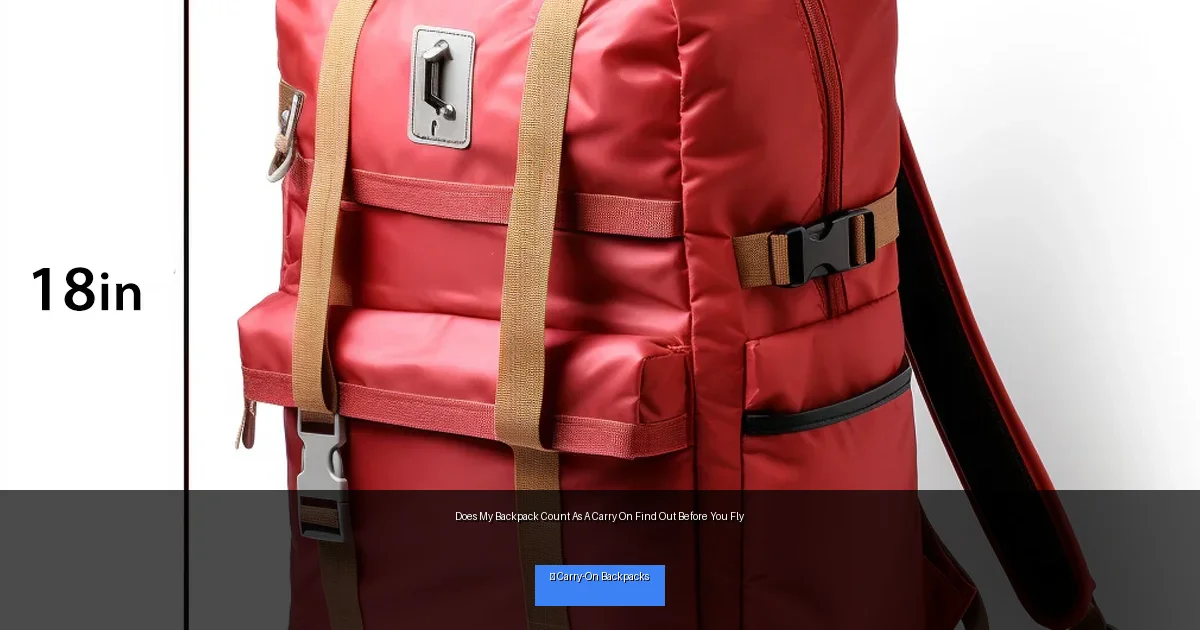
Visual guide about Does My Backpack Count As A Carry On Find Out Before You Fly
Image source: cdn.shopify.com
What to Look For
- Maximum dimensions: Airlines often list maximum length, width, and height for carry-on luggage.
- Weight limits: Some airlines impose weight restrictions on carry-ons.
- Number of allowed carry-ons: Usually, you can bring one carry-on bag plus one personal item.
- Definition of personal items: Small backpacks may qualify as personal items rather than carry-ons.
Knowing these details helps you decide if your backpack meets the requirements or if you need to adjust.
Step 2: Measure Your Backpack Accurately
Once you have your airline’s size limits, measure your backpack. Use a tape measure to check the height, width, and depth (thickness) including all pockets and straps.
How to Measure
- Height: Measure from the bottom base to the top, including handles or extensions.
- Width: Measure the widest part side to side.
- Depth: Measure how thick or deep the backpack is when fully packed.
Compare these measurements to the airline’s maximum carry-on size. If your backpack exceeds any dimension, it might not count as a carry on.
Step 3: Determine If Your Backpack Is A Carry-On Or Personal Item
Airlines usually allow one carry-on bag plus one personal item, like a purse or small backpack. Whether your backpack counts as a carry on or personal item depends on its size.
What’s the Difference?
- Carry-on bag: Typically larger, fits in overhead bins, must meet size and sometimes weight limits.
- Personal item: Smaller, fits under the seat in front of you, like a laptop bag or small backpack.
If your backpack is compact, it may be considered a personal item. If it’s larger, it will count as your carry-on bag. This distinction affects what else you can bring aboard.
Step 4: Pack Your Backpack Smartly
Packing efficiently can help your backpack fit better in overhead bins or under the seat. Use these tips:
Tips for Efficient Packing
- Use packing cubes: Keep items organized and compressed.
- Fill gaps: Stuff socks or small items into shoes or corners.
- Distribute weight evenly: Makes the backpack easier to carry and less bulky.
- Limit bulky items: Avoid overpacking with large or heavy objects.
- Keep essentials accessible: Have important documents and electronics handy.
Step 5: Weigh Your Backpack Before Leaving
Some airlines enforce carry-on weight limits strictly. Use a luggage scale or a bathroom scale to weigh your packed backpack. If it’s too heavy, consider removing some items or switching to a lighter bag.
Step 6: Prepare for Security And Boarding
At the airport, you may be asked to place your backpack in the overhead bin or under the seat. Be ready to adjust or repack if it doesn’t fit. If your backpack is oversized or overweight, it might be gate-checked.
Practical Tips
- Arrive early: Gives you time to resolve any carry-on issues.
- Have a backup plan: Know what you’d remove or repack if needed.
- Label your backpack: Adds security and helps retrieve it if gate-checked.
Troubleshooting: What If My Backpack Doesn’t Qualify?
If your backpack is too large or heavy to be accepted as a carry on, here are some options:
- Check it: Accept checked luggage fees and place your backpack in the hold.
- Gate check: Some airlines allow last-minute gate checking for oversized carry-ons without fees.
- Use a smaller backpack: Consider packing a smaller daypack inside your main bag for carry-on use.
- Adjust your packing: Remove non-essentials to reduce size and weight.
Being prepared can save you stress and unexpected fees at the airport.
Conclusion
So, does your backpack count as a carry on? It depends mainly on its size, weight, and your airline’s rules. By checking policies, measuring your backpack, packing smart, and preparing for security, you can confidently bring your backpack aboard as a carry-on. Follow this guide before your next trip to avoid surprises and travel smoothly with your backpack.
